Sync bookmarks between devices with Firefox Sync
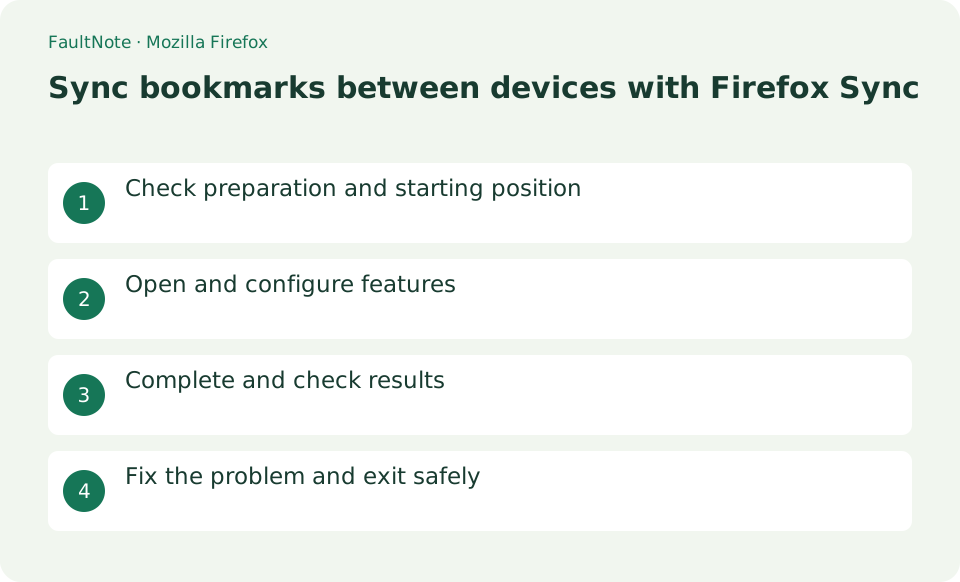
These are the steps to synchronize selected items such as bookmarks and history with your Mozilla account. We will explain in detail the starting position, setting values, completion confirmation, and how to review in case of problems.
Published · Updated · FaultNote editorial policy
Who this guide is for and what to prepare
- First-time users of Mozilla Firefox
- People who want to safely check the operation of synchronizing bookmarks between devices with Firefox Sync
What you need
- Update Firefox on both devices and prepare emails that can be received using the same Mozilla account.
Preserve bookmarks before synchronization
Update Firefox on both devices and prepare emails that can be received using the same Mozilla account.
Configure Sync with the same Mozilla account
On the first device, select Profile > [Log in to Sync] in the top right corner, and enter your email, password, and confirmation code you received.
☰ > [Settings] > [Sync] > [Manage synced items], turn on [Bookmarks], and remove unnecessary passwords, history, and payment methods. Add one bookmark for confirmation and press [Sync now].
- Sign in to the Mozilla account
- Include bookmarks in the sync categories
Verify a unique bookmark on another device
Log in to the second device using the same account and press Profile > Sync Now. Check that the confirmation item appears in the bookmark menu.
- Find the unique test item on the other device
Investigate delays and sign-out effects
If it does not reflect, check the account string, synchronization display, and bookmarks on both devices.
Sync also reflects deletions between devices, so it is not used as a substitute for backup. On shared devices, synchronized data will be deleted from the device when you sign out.
- Compare accounts and connectivity on both devices
Verify synchronization with a unique bookmark
On device A, create a folder with a unique dated name and bookmark one public page. Synchronize, then check for the same name and URL on device B. Existing bookmarks on both devices cannot prove that the current synchronization worked. If the new item is delayed, check connectivity and the Mozilla account on each device before creating repeated test items.
When moving to a new PC, back up bookmarks on the old device, sign in on the new one, and verify a unique test item. Open the important folders and URLs on the new PC before disposing of the old machine. Confirm migration first and clean up stored data on the old device afterward.
Save a bookmark backup before merging devices
If one device contains an important organized bookmark collection, create a library backup or HTML export before synchronization. Additions and deletions can propagate, so do not delete large collections on one device merely to test the connection. Inspect the merged result on both devices before removing duplicates in small groups. If restoration becomes necessary, inspect the saved backup and synchronization state before proceeding.
Check what remains on a shared device
On a shared device, separately check account disconnection and removal of locally stored information. Disconnecting does not necessarily remove everything already saved. Read the removal options and preserve any local data you need before selecting them. Verify that bookmarks remain on your own device, and do not substitute mass deletions in an active synchronized library for cleaning the shared computer.
Scroll horizontally to see the full table →
| Observed result | Next action | Success condition |
|---|---|---|
| The test item does not arrive | Compare account and sync categories on both devices | The same test name and URL appear |
| Existing items are duplicated | Inspect the merge before cleaning small groups | Important URLs remain available |
| You are leaving a shared PC | Review disconnection and local data removal | Required bookmarks remain on your own device |
Limitations and requirements
- Sync also reflects deletions between devices, so it is not used as a substitute for backup. On shared devices, synchronized data will be deleted from the device when you sign out.
Frequently asked questions
What if you can't find the item you want in Mozilla Firefox?
If it does not reflect, check the account string, synchronization display, and bookmarks on both devices.
What should I be especially careful about when synchronizing bookmarks between devices using Firefox Sync?
Sync also reflects deletions between devices, so it is not used as a substitute for backup. On shared devices, synchronized data will be deleted from the device when you sign out.
Is Sync a bookmark backup?
It propagates changes and deletions, so it is not an independent backup. Save a backup or HTML export before major cleanup, locate the file, and review restoration instructions before beginning if recovery may be needed.
Should I repeatedly sign in again when Sync is slow?
Check connectivity, categories, and account names first, then wait after a manual sync. Repeated sign-in attempts make comparisons harder. Record any error text and follow the official procedure for that error before taking the next step.
Sources and verification date
Sources checked: . These sources support the specifications, procedures or prices discussed here. Check each source for applicable conditions and current information.
Related practical guides
- Firefox: Use Containers and Reader View
- Search a PDF in Firefox and distinguish printed page numbers
- Save and verify PDF reading notes in Firefox
- Thunderbird: Manage Multiple Email Accounts in One App
- Add an email account to Thunderbird
- LocalSend: Transfer Files Between Devices on the Same LAN