Firefox: Use Containers and Reader View
Separate work and personal cookies, and switch to reader view for easier reading on corresponding pages. This guide covers installation, practical steps, limitations, and how to stop using the app.
Published · Updated · FaultNote editorial policy
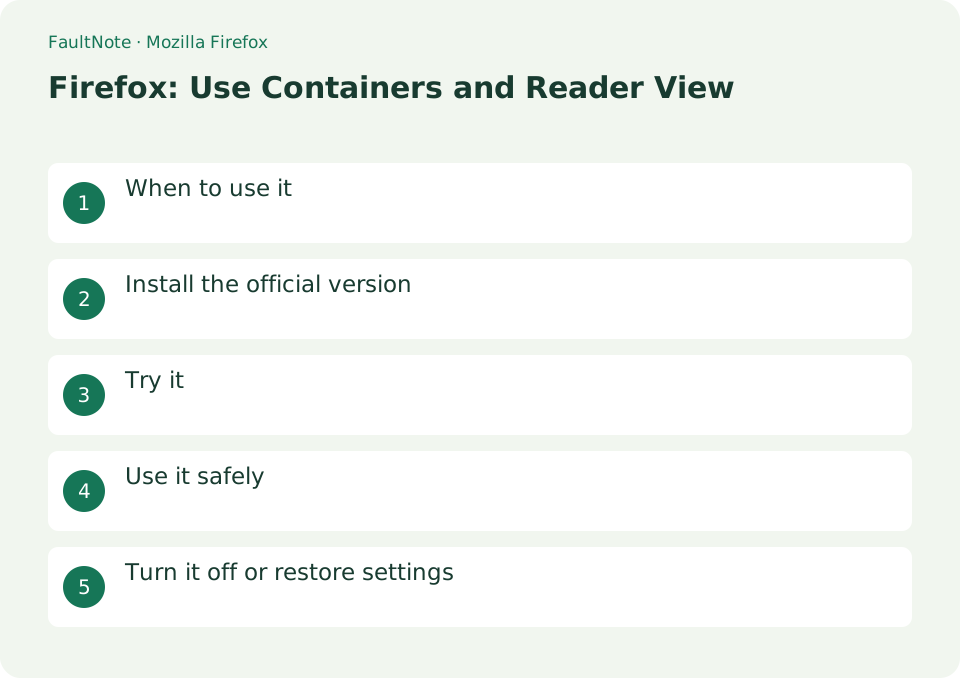
Who this guide is for and what to prepare
- First-time users of Mozilla Firefox
- People who want to check the storage location and safety of data while reducing manual work
What you need
- Check the processing target and storage location, and preserve the original data in another location
- Check the official distribution source, supported OS, and required permissions
When to use it
Separate work and personal cookies, and switch to easy-to-read reader view on corresponding pages.
Install the official version
If you install the official version from mozilla.org/firefox and use synchronization, make sure it is not a shared device.
- Install the official version from mozilla.org/firefox and make sure it is not a shared device if you use synchronization.
Separate two logins
Sign in to personal and work accounts inside their respective containers. Check the container name and color before acting. A normal new tab need not use the intended container, so establish a consistent way to open each service.
Use two sessions for one service
Check site identity as well as container color. Cookie separation does not imply isolated download storage or anonymity. Verify actual paths for work files.
- Install the official extension and label purposes, respecting workplace permission requirements.
- Sign in through the personal container and verify container and site identity.
- Sign in through the work container and ensure it is not an ordinary tab.
- Reopen each container and verify session selection before making it routine.
- Try Reader View and compare essential elements; perform input tasks on the original page.
Try it
Add Mozilla official extension Firefox Multi-Account Containers and create a Work container. When you open a business site in that container, you can separate the normal tab and cookie area.
- Add Mozilla official extension Firefox Multi-Account Containers and create a Work container.
- When you open a business site in that container, you can separate the normal tab and cookie area.
Inspect Reader View
Check that the article text and essential notes remain available. Some pages are unsupported or omit elements. Return to the original page for forms, purchases, tables or embedded content rather than relying on the simplified view.
Know the boundary
Containers separate site session state; they do not create another computer or make browsing anonymous. For an unexpected account, check the container and logout target. Follow workplace browser and extension policies where applicable.
Scroll horizontally to see the full table →
| Observation | Decision and next action |
|---|---|
| Both sessions work | Verify site identity and remember ordinary tabs may hold another session. |
| Same user appears | Check actual container and opening method, then sign in appropriately. |
| Reader View unavailable | Read the original; unsupported structure need not indicate a site fault. |
| Elements are omitted | Compare essential details with the original rather than assuming full preservation. |
Use it safely
Containers are not anonymizers. Cookies and login sessions in the container are not synchronized to other devices using Firefox Sync, so you must log in on each device.
Return to the original view or ordinary tabs
Exit Reader View by returning to the original page. Open an ordinary tab for sites that do not need a container and check its session. Before disabling or removing the extension, verify access to required work and personal accounts. Removing a container can lose site-session state; check saved credentials and recovery access before cleanup.
- Return from Reader View and inspect required page elements
- Verify ordinary-tab sessions and required account access
- Clean up unwanted container settings or extension separately from Firefox removal
Limitations and requirements
- Containers are not anonymizers. Cookies and login sessions in the container are not synchronized to other devices using Firefox Sync, so you must log in on each device.
Frequently asked questions
Are cookies also synced?
No. In-container cookies and login status are created for each device.
Is it the same as a private window?
They are different. Containers separate multiple persistent logins.
Does it make me anonymous?
It separates session state, not connection or device; service and workplace rules still apply.
Are downloads isolated too?
Check download settings and paths, choosing storage and sharing appropriate for the file.
Sources and verification date
Sources checked: . These sources support the specifications, procedures or prices discussed here. Check each source for applicable conditions and current information.
Related practical guides
- Sync bookmarks between devices with Firefox Sync
- Search a PDF in Firefox and distinguish printed page numbers
- Save and verify PDF reading notes in Firefox
- Thunderbird: Manage Multiple Email Accounts in One App
- Add an email account to Thunderbird
- PowerToys for Windows: Essential Productivity Tools