Thunderbird: Manage Multiple Email Accounts in One App
Add IMAP accounts and handle multiple inboxes with unified folders, searches, and filters. This guide covers installation, practical steps, limitations, and how to stop using the app.
Published · Updated · FaultNote editorial policy
Who this guide is for and what to prepare
- First-time users of Mozilla Thunderbird
- People who want to check the storage location and safety of data while reducing manual work
What you need
- Check the processing target and storage location, and preserve the original data in another location
- Check the official distribution source, supported OS, and required permissions
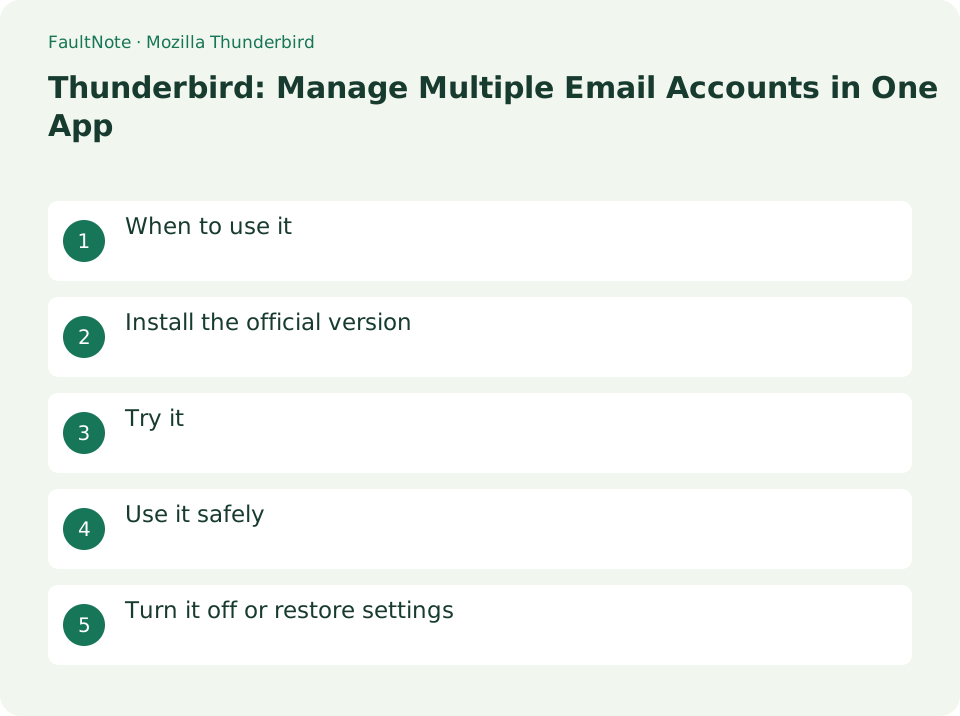
When to use it
Add IMAP accounts and handle multiple inboxes with unified folders, searches, and filters.
Install the official version
- Install the official version from thunderbird.net and prepare your email provider's IMAP/SMTP settings and two-factor authentication conditions.
Check the account type
Compare discovered servers and authentication with your provider documentation. IMAP and POP have different storage and synchronization behavior; identify the existing setup before replacing it. Check the provider domain when an authentication page opens.
Combine accounts without sender mistakes
Unified viewing does not merge or migrate accounts. Check receiving account and sender and verify both directions and folders before removing the old client.
- Add the first account through Account Hub and compare provider settings and IMAP/POP choice.
- Send Test-A from another address and compare arrival and folders with webmail.
- Reply and verify arrival and Sent storage; receiving alone does not complete setup.
- Add the second account, use Unified Folders and retain access to separate Inboxes.
- Check sender for replies and new mail with account-specific test messages.
Try it
In the current version, you can add email accounts from Account Hub. The screen entrance differs depending on the version, but the common point is to check the provider's authentication method and server settings.
- In the new Thunderbird, open [≡] → [Add account] → [Mail]. In the old version, use [Account Settings] → [Account Operations] → [Add Email Account]
- Verify IMAP and SMTP hosts, ports, and encryption with source documentation
- Authenticate with OAuth etc. and wait for synchronization
- Send it to yourself and check your inbox as sent
- Select [Integrated Folder] in folder mode
Test both directions
Receive a short message from another account, reply and inspect Sent. Successful receiving does not prove outgoing-server configuration. In Unified Folders, distinguish the combined view from the account and check the sender address before replying.
Check before deleting
IMAP deletions can affect the server. Compare folders in webmail and preserve required messages before cleanup. For authentication failures, check the provider requirements for OAuth or app passwords and service status before repeatedly retrying.
Scroll horizontally to see the full table →
| Observation | Decision and next action |
|---|---|
| Receiving alone succeeds | Check outgoing server and authentication separately. |
| Only webmail shows it | Check account, folder, sync and unified-view coverage. |
| Authentication repeats | Check provider OAuth or app-password requirements rather than repeatedly guessing. |
| Wrong sender | Correct before sending and inspect account and identity settings. |
Use it safely
Understand local storage and server deletion rules. Addition of work email may be restricted due to OAuth or device management.
Turn it off or restore settings
If you want to rearrange the display, change the folder mode back to [All Folders]. When deactivating your account, please re-read the email address in your account settings and make sure there are no local-only emails. Do not confuse IMAP email deletion with account settings deletion.
Limitations and requirements
- Understand local storage and server deletion rules. Addition of work email may be restricted due to OAuth or device management.
- Check the current specifications in the official documentation and reconfirm on-screen what you want to delete or overwrite.
Frequently asked questions
If I delete it using IMAP, will the web side also be deleted?
IMAP deletion can also be reflected on the server side. Instead of deleting emails when you just want to hide them from the list, change the folder view.
Unable to add with correct password
Check if the provider requires OAuth or an app password. Also check the user name, server name, port, and encryption method against the provider's settings table.
What does deletion in unified view do?
Ownership remains with the original account; IMAP deletion may propagate to the server.
Can I remove the old client immediately?
Preserve a recoverable old setup until local data migration and communication verification are complete.
Sources and verification date
Sources checked: . These sources support the specifications, procedures or prices discussed here. Check each source for applicable conditions and current information.
Related practical guides
- Add an email account to Thunderbird
- Firefox: Use Containers and Reader View
- IMAP vs POP3: Multiple Devices, Server Storage, and Backup
- Sync bookmarks between devices with Firefox Sync
- PowerToys for Windows: Essential Productivity Tools
- Rufus: Create a Bootable USB from an Official ISO