Choose Thunderbird archive storage: IMAP versus local folders
Set account-specific archive locations and yearly folders in Thunderbird. Test one message to confirm its destination and other-device effects, distinguishing archive moves from deletion and from independent backups.
Published · Updated · FaultNote editorial policy
Who this guide is for and what to prepare
- People keeping older mail while clearing Inbox
What you need
- Confirm account type, backup and whether yearly filing is useful.
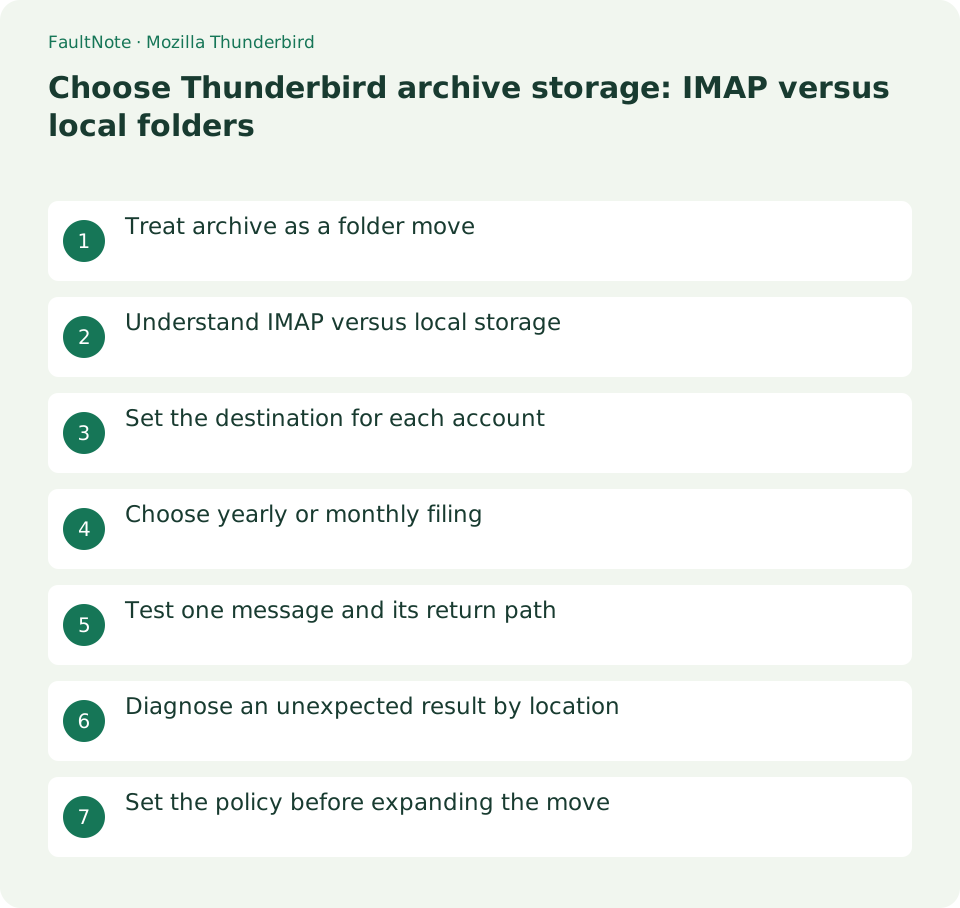
Treat archive as a folder move
Archive moves messages from the current folder into a dedicated folder. It is not trash deletion and remains searchable, but it does not create an independent backup. For last year’s correspondence, first decide whether it must remain available on a phone or only on this PC.
Understand IMAP versus local storage
An archive inside an IMAP account is also on the server and may remain available to other devices, consuming server storage. Moving to Local Folders makes preservation dependent on this PC; moving out of an IMAP source can also affect the server. Verify independent copies and destination before bulk moves for quota reduction.
Set the destination for each account
Open menu > Account Settings, select Copies & Folders for the intended account, and choose the archive destination under Message Archives. Check each account separately; the appearance of a unified Inbox does not identify storage ownership.
Choose yearly or monthly filing
Archive Options offers a single folder or yearly/monthly filing, with an option to retain original folder structure. For a yearly collection of 2025 correspondence, monthly subdivisions may be unnecessary. Changing the destination affects subsequent archive actions, not automatic relocation of the whole existing archive.
Test one message and its return path
Select one backed-up message and use Archive or A. Inspect subject, body and attachment in the destination year folder and confirm removal from the source. Check another device if access there matters. To reverse the test, move the message back to the original account’s Inbox.
Diagnose an unexpected result by location
If the message appears on the PC but not the phone, inspect whether the destination is local. Old archives left elsewhere may predate the setting change. Compare message dates and filing options when year folders differ. Open the chosen archive before deleting accounts or rebuilding search indexes.
Scroll horizontally to see the full table →
| Result | Next location |
|---|---|
| Missing on another device | Local versus IMAP destination |
| Still in the old archive | Whether it was archived before the change |
| Body or attachment unavailable | Downloaded content and original message state |
Set the policy before expanding the move
After the one-message test, work in small date/folder batches rather than selecting unrelated important mail. A local archive can be lost with the PC, so maintain independent backups of the required storage. Emptying trash or enabling age-based deletion is separate from verifying archive settings.
Limitations and requirements
- Moving from IMAP to local storage can affect server placement and other-device access. Avoid bulk moves before checking copies.
Frequently asked questions
Is archive deletion?
It is a folder move, though moving outside IMAP can change the server-side location.
Does a new destination relocate old archives?
The change applies to later archiving. Reorganizing older material is a separate preservation task.
Does local storage remove the need for backup?
A file on the same PC does not protect against failure or mistakes; keep a verified independent copy.
Sources and verification date
Sources checked: . These sources support the specifications, procedures or prices discussed here. Check each source for applicable conditions and current information.
Related practical guides
- Back up a closed Thunderbird profile and check local-mail restoration
- Export a Thunderbird profile ZIP and check its 2 GB and import boundaries
- Thunderbird: Manage Multiple Email Accounts in One App
- Add an email account to Thunderbird
- IMAP vs POP3: Multiple Devices, Server Storage, and Backup