Save an application launch set and layout with PowerToys Workspaces
Capture and edit a named launch set, checking status, existing windows, document-state limits and cancellation effects.
Published · Updated · FaultNote editorial policy
Who this guide is for and what to prepare
- People who need this specific workflow
What you need
- Prepare two test applications and saved materials.
- Save current work and remove irrelevant or sensitive windows.
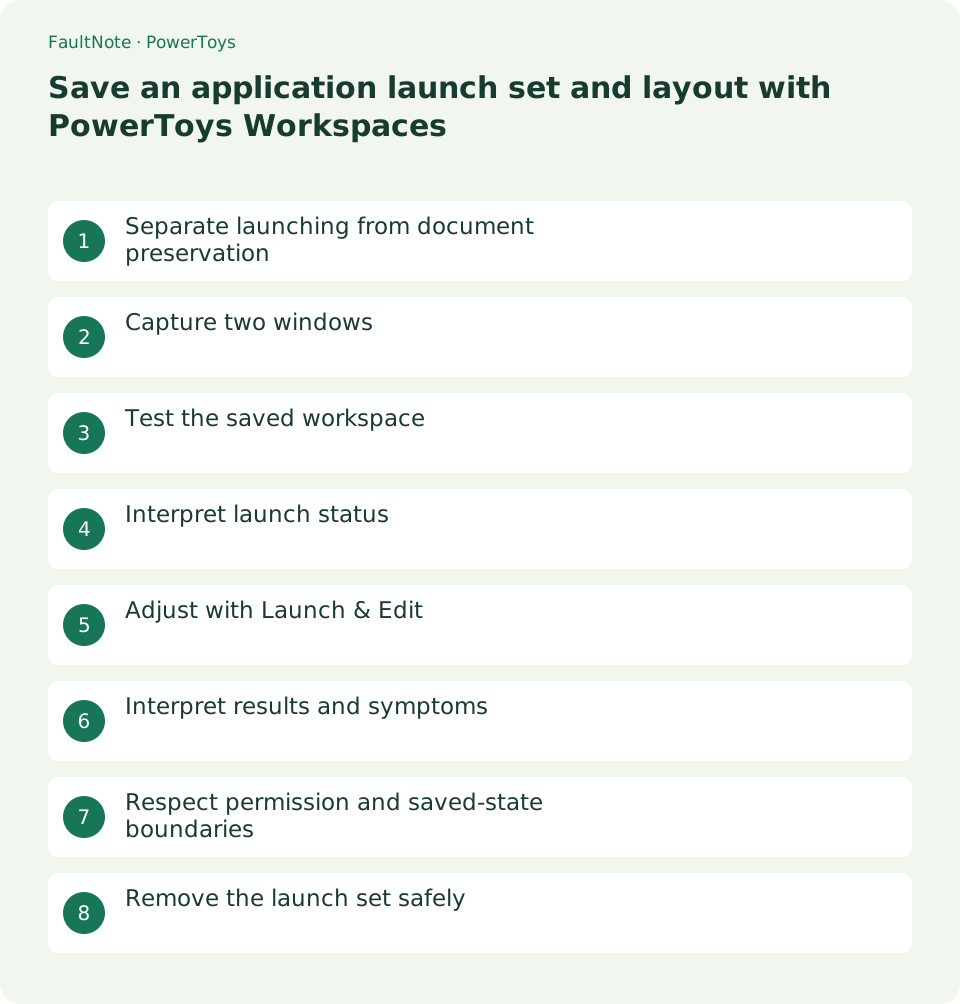
Separate launching from document preservation
It launches and positions a set rather than backing up unsaved documents or merely defining FancyZones zones. Save work separately and remove unwanted captured apps.
Capture two windows
Enable, open the editor, arrange apps and Capture, then name, remove unwanted apps and save a shortcut if needed.
Test the saved workspace
Launch a small saved set after protecting work. Verify apps, positions and required files; use only documented application arguments.
- Arrange two test apps.
- Capture and inspect name and app list.
- Remove irrelevant apps and launch safely.
- Inspect status, documents, placement and existing windows.
- Adjust selectively and test retiring the workspace.
Interpret launch status
Apps may open before moving. Status is separate from document correctness; inspect existing-window handling and application behavior.
Adjust with Launch & Edit
Edit apps or use Launch & Edit to recapture placement, checking changed display configuration and one app at a time.
Interpret results and symptoms
Scroll horizontally to see the full table →
| Result or symptom | Next check |
|---|---|
| Successful launch state | Verify documents separately from launch status. |
| Failure state | Test ordinary launch and inspect path/arguments. |
| Duplicate windows | Inspect app instance behavior and existing-window option. |
| Elevated window will not move | Check the limitation and compare normal windows. |
Respect permission and saved-state boundaries
Avoid unnecessary elevation and secrets in arguments. Capture is not a document/login backup, and cancellation is not a full rollback.
Remove the launch set safely
Inspect already opened apps after cancellation, preserve documents and remove only the unwanted workspace and its shortcut.
Limitations and requirements
- Avoid unnecessary elevation and secrets in arguments. Capture is not a document/login backup, and cancellation is not a full rollback.
Frequently asked questions
Will unsaved documents be restored?
Capture does not preserve unsaved content; save independently.
Does it fully restore virtual desktops?
Verify the actual captured scope rather than assuming all OS state returns.
Is this the same as FancyZones?
It manages the launch set; restored placement is not necessarily identical Snap state.
Does cancellation restore everything?
Already launched apps may remain; inspect state and work afterward.
Sources and verification date
Sources checked: . These sources support the specifications, procedures or prices discussed here. Check each source for applicable conditions and current information.
Related practical guides
- Keep a reference window on top with PowerToys and unpin it when finished
- Use PowerToys Awake for a timed task and separate display power from sleep
- Capture screen colors as HEX or RGB with PowerToys Color Picker
- Measure on-screen width and spacing in pixels with PowerToys Screen Ruler
- Highlight a lost mouse pointer with PowerToys Mouse Utilities
- Remap a shortcut for one app with PowerToys Keyboard Manager