Capture screen colors as HEX or RGB with PowerToys Color Picker
Pick a location and copy the required format while checking blended edges, formatting, source differences and HDR limitations.
Published · Updated · FaultNote editorial policy
Who this guide is for and what to prepare
- People who need this specific workflow
What you need
- Prepare a non-sensitive color sample and a text destination.
- Identify required format and HDR state.
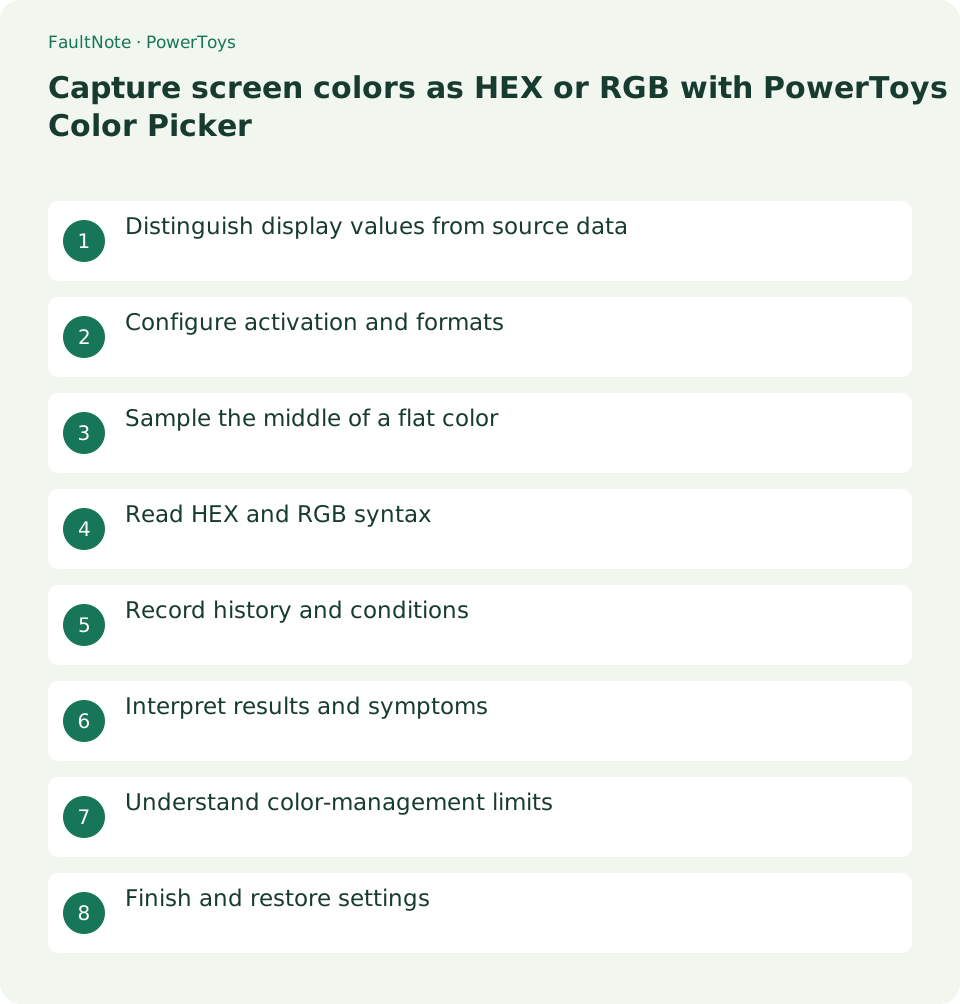
Distinguish display values from source data
Screen sampling may differ from source colors due to composition and scaling. Prefer authoritative source values for branding and record screen observations with context.
Configure activation and formats
Enable the picker, inspect activation behavior and choose the destination's copy format, validating with one sample.
Sample the middle of a flat color
Prefer a flat interior over blended edges, inspect the sampled position and record the value with its target label.
- Show a flat sample and invoke Win+Shift+C.
- Select an interior point away from edges.
- Paste and label the target.
- Inspect destination format and preview.
- Record conditions and restore the usual format.
Read HEX and RGB syntax
Match prefix, integer representation and punctuation to the destination. Distinguish format rejection from a wrong sample.
Record history and conditions
Label history values by target and repeat samples under matching theme and scale when comparing conditions.
Interpret results and symptoms
Scroll horizontally to see the full table →
| Result or symptom | Next check |
|---|---|
| Value appears but color differs | Inspect location, blending and destination syntax. |
| Edge values differ | Compare a flat interior for blending. |
| Destination rejects value | Check required punctuation and range. |
| HDR precision required | Use supported source data and color-management tools. |
Understand color-management limits
Current docs exclude WCG/HDR formats. This is not a print or physical color measurement tool; compare ordinary-window behavior before permission changes.
Finish and restore settings
Close or disable the picker, save useful notes and restore the habitual copy format. Inspect clipboard content before later pasting.
Limitations and requirements
- Current docs exclude WCG/HDR formats. This is not a print or physical color measurement tool; compare ordinary-window behavior before permission changes.
Frequently asked questions
Can this determine a print color?
Screen sampling excludes print conditions; verify print specifications separately.
Does history identify the source?
Record target, date, theme and scale separately.
Are RGB and HEX different colors?
They can be different representations; match range/syntax and inspect preview.
Can I change the activation shortcut?
Change it in settings and verify against competing tools.
Sources and verification date
Sources checked: . These sources support the specifications, procedures or prices discussed here. Check each source for applicable conditions and current information.
Related practical guides
- Keep a reference window on top with PowerToys and unpin it when finished
- Use PowerToys Awake for a timed task and separate display power from sleep
- Measure on-screen width and spacing in pixels with PowerToys Screen Ruler
- Highlight a lost mouse pointer with PowerToys Mouse Utilities
- Remap a shortcut for one app with PowerToys Keyboard Manager
- Enter accented characters from PowerToys Quick Accent candidates