Always show file extensions: distinguish names, types and real conversion
Icons and abbreviated names can obscure formats. Show the complete extension and compare Type and the intended application. Keep display changes, renaming and actual conversion distinct when selecting submissions or attachments.
Published · Updated · FaultNote editorial policy
Who this guide is for and what to prepare
- People identifying formats among similarly named files
- People distinguishing renaming from conversion
What you need
- Choose one sample document for inspection without renaming
- Record original and submission-copy locations
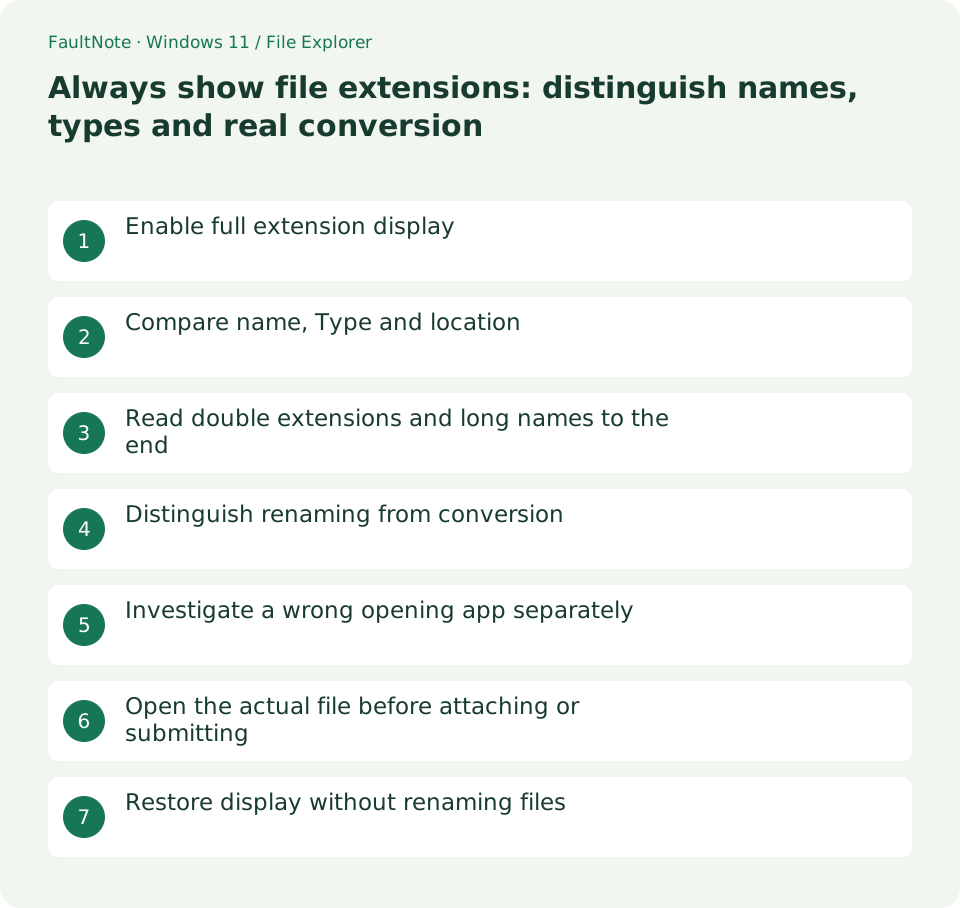
Enable full extension display
In Windows 11, use View > Show > File name extensions. Match the localized labels to that official path. Verify a known report now appears as report.docx. This changes display rather than adding a new extension or altering document contents, and the file remains in the same folder.
Compare name, Type and location
For report.docx and report.pdf, use Details to inspect the extension, Type and folder before selecting a PDF submission. A browser icon can represent an associated PDF and does not imply HTML. Compare Properties and open the required contents, including location when old same-named copies exist.
Read double extensions and long names to the end
In report.pdf.txt, the final .txt is the extension despite the embedded .pdf. Widen the name or inspect Properties. Automatic application suffixes plus manual suffix entry can produce duplication; check the producing application and actual format before removing text. An extension alone guarantees neither trustworthy contents nor safety.
Distinguish renaming from conversion
Renaming report.docx to report.pdf does not convert Word content into PDF. Export or Save As PDF through a supporting application, producing another file. Cancel an unintended extension warning. Restore an accidentally changed suffix only when the original is known; otherwise consult the source or creator rather than guessing repeatedly.
Investigate a wrong opening app separately
A correct suffix opening in the wrong app is an association issue. Use Open with to inspect content in a supporting app, keeping that separate from changing the default for all such files. Renaming to avoid app selection can misidentify the format. Check format, compatible application and default application independently.
Open the actual file before attaching or submitting
For a finished PDF, inspect its suffix and open the actual file to confirm pages. Distinguish .lnk shortcuts and work documents using Type and location. An attachment dialog can point to a different folder than Explorer; inspect the resulting attachment name and format too. Extension display helps selection but does not replace content verification.
Restore display without renaming files
To hide extensions again, clear the same display option rather than deleting suffixes from names. Confirm existing files still open. Incorrectly produced formats require re-export through the original application, not display changes. For repeated multi-format work, retain extensions and distinguish work/submission copies through names and locations.
Limitations and requirements
- A suffix alone does not prove content or safety
- Do not delete filename suffixes to restore a hidden-extension display
Frequently asked questions
Does showing extensions change file contents?
Only display changes. It differs from renaming or deleting a suffix; verify one known file retains its content and location.
Why does the icon seem inconsistent with the extension?
Icons can reflect the associated application. Compare extension, Type and Properties and open a supporting app; do not rename a format based solely on its icon.
Can I send a PDF by changing the suffix to .pdf?
Use actual export through a supporting application. Retain the original, produce a separate PDF and verify its pages and content before sending.
Sources and verification date
Sources checked: . These sources support the specifications, procedures or prices discussed here. Check each source for applicable conditions and current information.
Related practical guides
- Find files by name and extension in Explorer: control scope and filters
- Why file Created and Modified dates differ: compare provenance after copying
- Show hidden files for inspection: restore the view without changing attributes
- Distinguish shortcuts from actual files: inspect target and working folder
- Pin work folders to Quick access: distinguish unpinning from deletion
- Add sequential numbers to file names with Bulk Rename Utility