Firefox: Troubleshoot SEC_ERROR_UNKNOWN_ISSUER Safely
What to do first
Check publisher for single site or multiple sites without adding exceptions.
This is a general troubleshooting guide, not an announcement of a current outage.
Affected products and symptoms
- Product
- Mozilla Firefox
- Versions and conditions
- Firefox Desktop
- Error codes and identifiers
- SEC_ERROR_UNKNOWN_ISSUERMOZILLA_PKIX_ERROR_MITM_DETECTED
Symptoms
- A certificate issuer is unknown
- Warning appears on multiple HTTPS sites
Causes and conditions
Possible causes include a missing intermediate certificate, an incomplete certificate chain, or HTTPS inspection on the device or network.
Before you start
- Record URLs, codes, and times
- Cancel login/payment
Precautions
- do not create certificate exceptions
- Do not stop encrypted communication inspection without permission
Tools and official pages used in this guide
You can see the configuration name, limitations, and updated branches for this procedure on the official page.
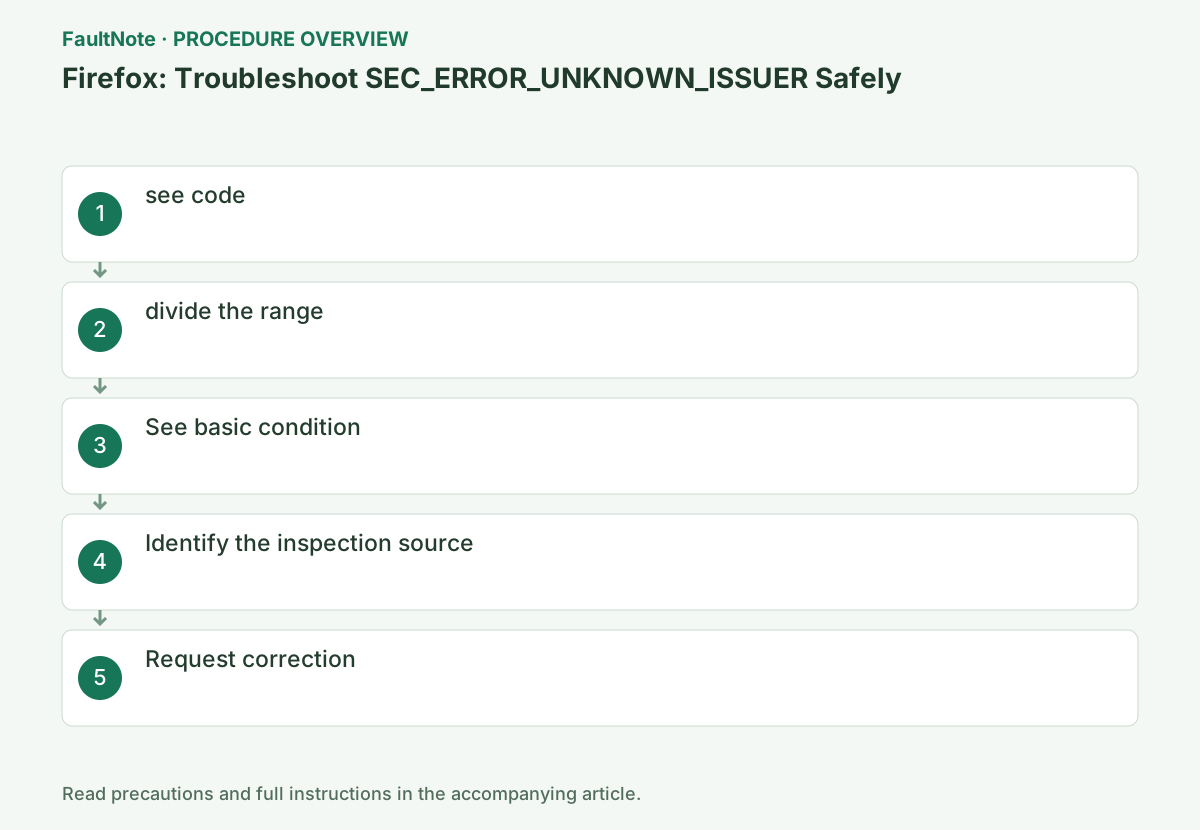
Step-by-step instructions
SEC_ERROR_UNKNOWN_ISSUER concerns an untrusted issuer and is not the same as expiration. Retain the message, code, visible issuer, and URL together instead of combining unrelated certificate procedures.
An antivirus or organization name in the issuer field does not by itself prove the connection is correct. Confirm intended inspection and certificate deployment with its administrator before applying a fix.
Use the organization's authorized certificate deployment, not a certificate obtained from an unverified message or search result. Refreshing a profile cannot fix a server's missing intermediate certificate. Route the work to its owner to preserve needed customizations, and report the corrected expected issuer afterward.
Check before continuingAn antivirus or organization name in the issuer field does not by itself prove the connection is correct. Confirm intended inspection and certificate deployment with its administrator before applying a fix.
Record the code and issuer name in the alert's Details and do not add a permanent exception.
If the certificate issuer information is displayed, also note the name. Although we cannot conclude that it is malware or a PC malfunction just because of the unknown issuer code, we cannot confirm the trust relationship, so do not enter credentials.
Open [Details] or [Error details] at the bottom of the error page and record SEC_ERROR_UNKNOWN_ISSUER and the failure URL. Even if the Add Exception button appears, do not select it until you verify the certificate issuer and site administrator.
Mozilla associates this code and MOZILLA_PKIX_ERROR_MITM_DETECTED with an untrusted certificate authority. Inspect details and retain the actual code and URL, distinguishing date or name errors. Note unavailable issuer information. The code alone neither proves malware nor establishes a verified safe connection.
Open another HTTPS site such as Mozilla official website. If there is one site, suspect the server; if there are multiple sites, suspect the terminal/network.
Check if the same URL can be opened on another device, and record whether it is only available on a specific device. If it only occurs on your company's network, inform your administrator that it may be related to your organization's HTTPS inspection or certificate distribution.
Compare the home page and failing subdomain separately; a working home page does not validate its login host. Repeated issuers across sites suggest checking shared inspection. Record whether another device uses the same network and avoid calling a device/network double change device-only evidence. Test internal sites only under approved conditions.
Compare the same URL on another device on the same network and, if available, an approved alternative network. One-site failure across them helps the operator investigate, but include the test conditions.
If another browser works while Firefox fails, do not conclude that Firefox is corrupted. Trust configuration can differ; provide browser versions and issuer information to the administrator.
Check before continuingIf another browser works while Firefox fails, do not conclude that Firefox is corrupted. Trust configuration can differ; provide browser versions and issuer information to the administrator.
Check the OS date and time, update Firefox, and restart.
Open the Firefox menu → [Help] → [About Firefox], and when updates are presented, restart after completion. If your PC's clock is off, first correct the date and time on the Windows side and then reopen the page.
Check Help > About Firefox and complete any restart. Verify Windows time, while recognizing that a correct clock does not establish issuer trust. Record the same-site/code result after updating and other-browser version and network conditions. Provide comparisons for trust-deployment investigation instead of repeatedly resetting Firefox.
If the issuer is a protected product or organization name, confirm HTTPS inspection and certificate distribution using the administrator's regular procedures.
Even on personal PCs, check to see if the problem occurred immediately after installing or updating an antivirus product. Check your product's official support for instructions regarding certificates, and avoid loading certificate files from unknown sources.
Use the inspection product's official support for certificate recovery. Do not independently stop organization inspection or install a certificate found through search. Provide product, issuer, start time, and updates. Follow approved scoped comparisons and restore settings afterward. Success with inspection stopped is not a permanent correction of trust deployment.
For a single site, notify the administrator; for multiple sites, notify the administrator of the publisher, code, and Firefox version.
If the problem affects only one site, ask its administrator, ask them to confirm the certificate chain settings. Include the Firefox version, network type, and results from other sites and devices in the reproduction information, and do not choose a permanent workaround by adding an exception.
Ask the site operator to review chain configuration, then verify without an exception. Share code, URL, Firefox version, network, and comparisons without passwords or cookies. Retest the original subdomain after correction and only then resume sensitive operations. Disclose older exceptions so success through an exception is distinguished from corrected trust.
Official links for this step
- Mozilla Firefox official troubleshooting
You can see the configuration name, limitations, and updated branches for this procedure on the official page.
- Mozilla Firefox official troubleshooting
Send a one-site chain problem to its operator; send repeated inspection-issuer failures across sites to the device or network administrator. Do not import an unfamiliar certificate as a trusted root yourself.
After correction, verify the original URL without adding an exception. Review any older exception using administrator guidance and confirm that a legitimate correction accounts for the warning disappearing.
Check before continuingAfter correction, verify the original URL without adding an exception. Review any older exception using administrator guidance and confirm that a legitimate correction accounts for the warning disappearing.
Check the result
- HTTPS site opens without exception
- Issuer and trust chain as intended
If the problem continues
- For home devices, consult a protection product vendor.
- Do not import a CA certificate yourself on an organization-managed device.
Scope of this guide
Troubleshooting guide — General diagnostic and recovery procedures based on official support. It does not describe a specific current incident.
Frequently asked questions
Is it fake?
I can't say for sure. Check the issuer and scope as there may be insufficient configuration or regular inspection.
Can I use it by adding an exception?
This is not recommended as it allows connections that have not been verified to be secure.
Should I reset Firefox if another browser works?
Record the issuer and scope first. Browser trust settings or organization certificate deployment can differ; provide comparisons before deciding whether a reset fits.
Official sources and dates
Source publication or resolution date: 2026-03-31. Sources checked: 2026-10-13. The check date is not the date the problem first occurred. Interface labels can vary between versions and display languages.