Outlook 2024/2021 LTSC crashes when opening email from Viva Engage and similar services
What to do first
Update the affected LTSC product to Microsoft's fixed build or later, then confirm that opening the affected message no longer crashes Outlook.
Affected products and symptoms
- Product
- Classic Outlook for Windows
- Versions and conditions
- Known crash examples: Outlook 2024 LTSC 16.0.17932.20700 and 2021 LTSC 16.0.14334.20440. Check installation against the Office update history: the May 12, 2026 builds are 17932.20776 for LTSC 2024 and 14334.20670 for LTSC 2021.
- Error codes and identifiers
- Event 10000xc0000005
Symptoms
- Classic Outlook crashes when opening email sent by Viva Engage, Viva Insights, Yammer, Power Automate, or similar services
- Windows Event Viewer records Event 1000 for OUTLOOK.EXE with exception code 0xc0000005
Causes and conditions
Microsoft confirmed a crash when affected messages are opened in specified LTSC builds, but its public article does not explain the internal cause.
Before you start
- Record the product name and build under File > Office Account
- Save Event 1000 and the exception code from Event Viewer
- Save unsent messages and close Outlook
Precautions
- The fixed build differs between LTSC 2024 and LTSC 2021
- Do not bypass the organization's update policy by installing an external package
Tools and official pages used in this guide
Check the fixed LTSC 2024 and 2021 builds.
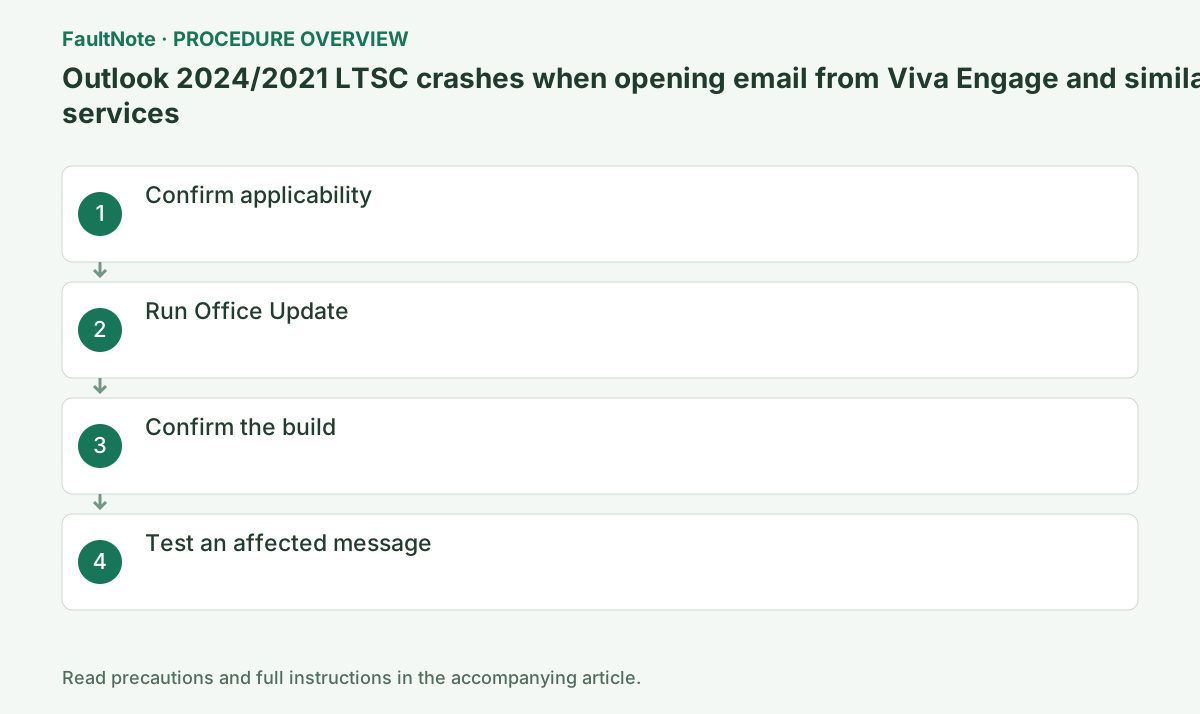
Step-by-step instructions
Confirm that this is Classic Outlook LTSC 2024 or 2021 near the listed older builds. This issue does not apply to new Outlook.
Record File > Office Account when Outlook opens. If it cannot open, use File > Account in Word or Excel from the same Office installation, or ask the administrator to identify the LTSC product and build.
Choose File > Office Account > Update Options > Update Now. On an organization-managed device where this is unavailable, ask the administrator.
An organization may manage the mail server and update channel. Do not delete PST/OST files or profiles; compare whether the same mailbox opens in Outlook on the web to distinguish a service problem.
Official links for this step
- Microsoft known-issue update guidance
Check the fixed LTSC 2024 and 2021 builds.
Check before continuingThe official Microsoft known-issue update guidance or signed package opens, and its product, OS, and version requirements match this computer.
- Microsoft known-issue update guidance
In Office Account, confirm the May 12, 2026 published Office build or a later update in the same LTSC channel: 17932.20776 for LTSC 2024 or 14334.20670 for LTSC 2021.
Restart Outlook after the update and test the affected message again. Do not compare a retail Office channel or an unrelated crash solely by its build number.
Official links for this step
Restart Outlook and open a message from a known affected sender to confirm that Outlook does not crash.
Use a small message to yourself to verify sending, receiving, and body display. Retain the old profile and data files until required mail, signatures, and shared mailboxes have been checked.
Completion criteria: a fixed or later build is displayed and Event 1000/0xc0000005 is not logged again. If unmet, do not repeat the same operation; follow the next branch: if the update is not offered, ask the Microsoft 365 administrator to check the update channel and deployment status.
Check before continuingDecision: restart Outlook and open a message from a known affected sender. Test sending, receiving, and body display with a small message to yourself, and retain old profiles and data until necessary content is verified.
Check the result
- A fixed or later build is displayed
- Event 1000/0xc0000005 is not logged again
If the problem continues
- If the update is not offered, ask the Microsoft 365 administrator to check the update channel and deployment status
- Until it is applied, view affected messages in Outlook on the web
Fix status
Resolved — Microsoft marks the issue fixed. Its May 1 notice names fix identifiers 17932.20766 / 14334.20662; the actual May 12 Office packages are 17932.20776 / 14334.20670. Use the published Office update history when checking Office Account.
Frequently asked questions
Is new Outlook affected?
This article applies to specified builds of Classic Outlook LTSC products.
Official sources and dates
- Outlook 2024 LTSC crashes opening Viva Engage, Yammer, Power Automate, and other emails ↗
- Update history for Office LTSC 2024 and Office 2024 ↗
- Update history for Office LTSC 2021 and Office 2021 ↗
Source publication or resolution date: 2026-05-01. Sources checked: 2026-09-12. The check date is not the date the problem first occurred. Interface labels can vary between versions and display languages.