Share one app window in Zoom
This is a procedure to show only the target app to meeting participants without displaying notifications or other materials. We will explain in detail the starting position, setting values, completion confirmation, and how to review in case of problems.
Published · Updated · FaultNote editorial policy
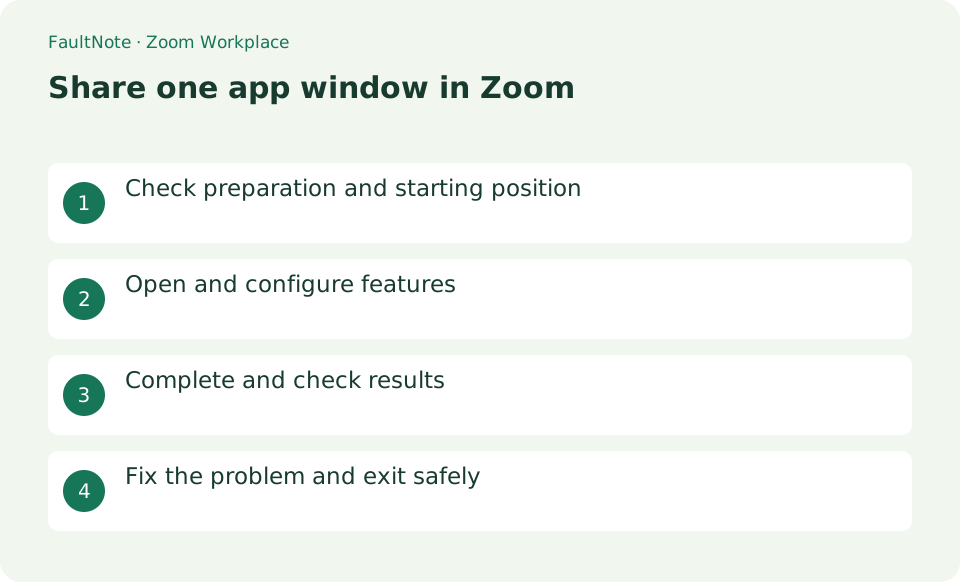
Who this guide is for and what to prepare
- First-time users of Zoom Workplace
- People who want to safely check the operation of sharing the application window instead of the entire screen on Zoom
What you need
- Enter a meeting using the Zoom desktop app, open only the app window you want to share, and close notifications.
Prepare the target application and remove private content
Enter a meeting using the Zoom desktop app, open only the app window you want to share, and close notifications.
Select the application window in the sharing picker
Press [Screen Sharing] at the bottom of the meeting, and on the [Basic] tab, select the desired app window instead of the entire desktop.
Turn on [Share sound] and [Optimize for video clips] and press [Share] only if you want to show a video. Check the target name in the green frame and top bar.
- Open sharing and select the target application window
- Enable shared sound only when needed
Verify the participant view and required sound
Confirm with participants that the image will not appear even if they switch to another app. When finished, press [Stop Sharing] at the top and check that the green frame has disappeared.
- Verify the participant document view and text size
Stop sharing before opening private material
If it doesn't come up as a sharing candidate, reopen the app without minimizing it and check Zoom's screen recording permissions.
In-app file selection screens and notifications may be shared. Close personal information and confirm the recipient's name out loud before starting to share.
- Stop sharing before opening private material
Practice with one application window
Select a window containing only the demonstration document and practice switching to another window. Another window in the same application may not automatically become the shared source. Learn how to change the source before presenting several documents. Check the document name and text size from an authorized participant perspective rather than relying only on the local sharing border.
For a software demonstration, open practice data and select the window by name. Ask the participant to confirm the title and text size, then perform one operation. If a file picker exposes private names, stop sharing to prepare the next file and verify the new participant view after restarting.
Check audio sharing for a video demonstration
For video or audio playback, inspect the share-sound setting and test a short excerpt. A microphone picking up speaker playback can mix speech and media or create doubled sound. Try headphones and enable only the audio sharing needed for the demonstration. For an ordinary document presentation, disable unnecessary sound sharing so unrelated application sounds are not sent.
Know how to stop and change the source
Locate Stop Share immediately after sharing starts and stop before opening private material. Stop first if a file picker would expose private filenames while changing documents. Ending screen sharing does not necessarily disable the microphone or camera. Before leaving, check sharing, microphone, camera, and meeting exit separately; ask the host about sharing restrictions if the control is unavailable.
Scroll horizontally to see the full table →
| Observed result | Next action | Success condition |
|---|---|---|
| The window is not listed | Open the application and inspect permissions | The target window name can be selected |
| Playback sound is missing | Check the required sound-sharing option | A short excerpt is audible to the participant |
| Another document is needed | Use the source-changing workflow | Only the intended new material is visible |
Limitations and requirements
- In-app file selection screens and notifications may be shared. Close personal information and confirm the recipient's name out loud before starting to share.
Frequently asked questions
What if you can't find the item you want on Zoom Workplace?
If it doesn't come up as a sharing candidate, reopen the app without minimizing it and check Zoom's screen recording permissions.
What should I be especially careful about when sharing the app window instead of the entire screen on Zoom?
In-app file selection screens and notifications may be shared. Close personal information and confirm the recipient's name out loud before starting to share.
Does window sharing guarantee notifications are hidden?
Visibility depends on the sharing method and application behavior. Inspect in-app notifications and dialogs, close private content beforehand, and verify a short participant-view sample before presenting.
Does Stop Share leave the meeting?
Stopping sharing and leaving the meeting are different. The microphone and camera can remain active. Confirm sharing has stopped, adjust those controls for a break, and leave the meeting separately when finished.
Sources and verification date
Sources checked: . These sources support the specifications, procedures or prices discussed here. Check each source for applicable conditions and current information.
Related practical guides
- Choosing a Webcam: Resolution and Frame Rate Pairs, Field of View, Fixed Focus vs Autofocus
- PowerToys for Windows: Essential Productivity Tools
- Thunderbird: Manage Multiple Email Accounts in One App
- Firefox: Use Containers and Reader View
- Rufus: Create a Bootable USB from an Official ISO
- When Smart App Control blocks an app: there is no per-app exception to find