Organize browser tabs with vertical tabs in Microsoft Edge
This is a procedure to move tabs that are stuck on the side to the left side and organize them into work units using groups and pins. We will explain in detail the starting position, setting values, completion confirmation, and how to review in case of problems.
Published · Updated · FaultNote editorial policy
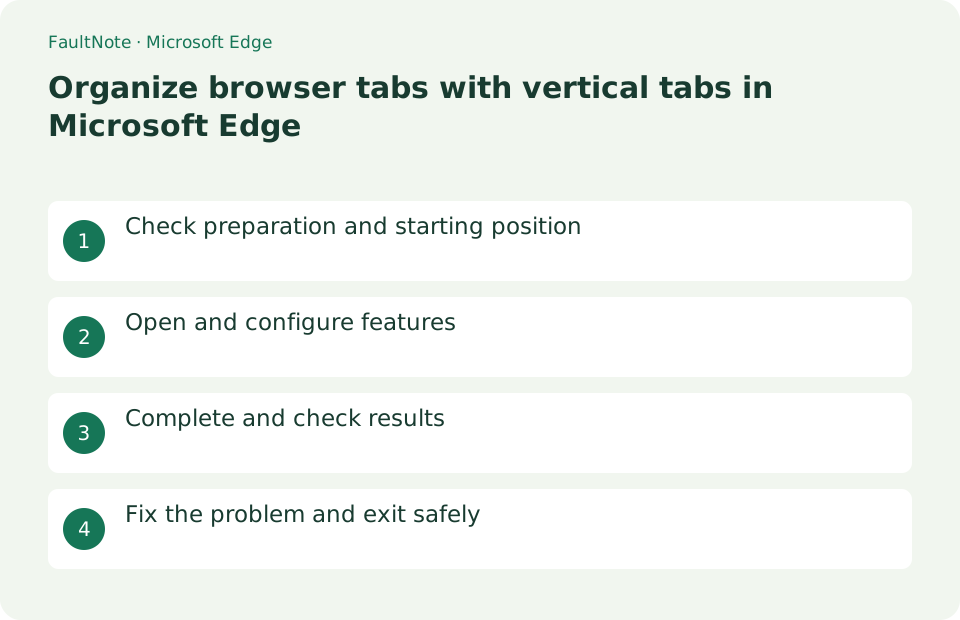
Who this guide is for and what to prepare
- First-time users of Microsoft Edge
- People who want to safely check the operation of organizing a large number of pages with vertical tabs in Edge
What you need
- Open about 5 pages that you want to organize, and save any pages you don't want to close to your favorites.
Inspect tabs and unfinished work
Open about 5 pages that you want to organize, and save any pages you don't want to close to your favorites.
Enable vertical tabs and adjust the width
Press [Tab operation menu] > [Turn on vertical tabs] at the left end of the tab row. Switch between always expanded and collapsed using the pin at the top of the left pane.
Ctrl+click to select multiple on the related tab, right-click > select [Add Tab to New Group]. Give the group a name and color, then press the heading to collapse it.
- Enable vertical tabs from the tab actions menu
- Name groups for their purpose
Group tabs and check the display
Right-click on a regular page and select [Pin Tab]. To return to horizontal display, select [Tab operation menu] > [Turn off vertical tabs].
- Find required tabs by collapsing and expanding groups
Save required pages before ending the session
If the pane becomes thinner, press the pin at the top. If you can't read the tab name, drag the right edge to make it wider.
Vertical tabs and groups are not permanent storage locations. Save the required pages to your favorites before closing the window.
- Save required URLs as favorites
Organize tabs around three concrete tasks
Create groups such as Research, Comparison, and Submission and place related pages together. Collapse a completed group to make the current task easier to find. Group by purpose rather than page count; pages from the same site can serve different tasks. A group name alone is not a reliable way to restore the actual destinations, so save pages you will need again as favorites.
For a comparison, put the official specification, retailer page, and notes in a group named for each candidate. Collapse completed candidates and expand only the current ones. Save the important source and note URLs before closing old candidates, and check for unfinished orders or forms.
Adjust the pane to the available screen width
On a narrow display, leaving the pane expanded can reduce the space available for page content. Compare pinned and collapsed operation, considering both long tab titles and the document width. Before screen sharing or recording, inspect tab titles for private information. Reordering tabs does not change their page contents, so you can organize them without closing an unfinished form.
Separate recovery from long-term storage
Recover an accidentally closed page using history or the reopen-closed-tab action, then inspect it. Do not assume this will also restore every login state or unsent form value. Keep recurring reference pages in a dedicated favorites folder with meaningful names. Before ending the session, close duplicates and check for unsent forms or unfinished downloads.
Scroll horizontally to see the full table →
| Observed result | Next action | Success condition |
|---|---|---|
| Titles are unreadable | Widen the pane or expand it when needed | Tabs can be identified by title |
| Page content is too narrow | Compare pinned and collapsed modes | Both content and tab navigation remain usable |
| A page will be needed next time | Save its URL as a favorite | It opens from the saved entry in another window |
Limitations and requirements
- Vertical tabs and groups are not permanent storage locations. Save the required pages to your favorites before closing the window.
Frequently asked questions
What if you can't find the item you want in Microsoft Edge?
If the pane becomes thinner, press the pin at the top. If you can't read the tab name, drag the right edge to make it wider.
What should I be especially careful about when organizing a large number of pages using Edge's vertical tabs?
Vertical tabs and groups are not permanent storage locations. Save the required pages to your favorites before closing the window.
Does vertical tab mode change website content?
It mainly changes tab arrangement, but the available page width can affect wrapping. If tables or wide documents become awkward, collapse or resize the pane before changing the website itself.
Does collapsing a group erase form input?
Collapsing is different from closing tabs, but a reload or site timeout can still affect unfinished input. Save an available draft before organizing an important form; tab organization is not a substitute for saving its data.
Sources and verification date
Sources checked: . These sources support the specifications, procedures or prices discussed here. Check each source for applicable conditions and current information.
Related practical guides
- Microsoft 365 vs Office 2024: Which Should You Buy?
- Will your old printer work on Windows 11? Microsoft's printer-driver end-of-servicing dates, and what the IPP class driver covers
- Create a OneDrive sharing link: permissions and expiration
- Convert an Excel data range to a table
- Create an automatic table of contents from Word headings
- Export PowerPoint to narrated video