Smart Access Memory becomes disabled after installing Adrenalin 26.8.1
What to do first
This is a known Windows 10 issue in which SAM becomes disabled after installing 26.8.1. Because AMD provides no official workaround, verify the version and report the issue.
Affected products and symptoms
- Product
- AMD Software: Adrenalin Edition / Smart Access Memory
- Versions and conditions
- AMD Software: Adrenalin Edition 26.8.1, Windows 10
Symptoms
- AMD Smart Access Memory may become disabled after driver installation
Causes and conditions
AMD lists this as a known issue after installing Adrenalin 26.8.1 on Windows 10, but has not published details of the internal cause.
Before you start
- In AMD Software, open Settings > System and save the Software & Driver version shown
- Open Performance > Tuning and save a timestamped screenshot of the Smart Access Memory status
- Record the Windows build from winver and the CPU, GPU, and motherboard models
Precautions
- AMD provides no official workaround for this item
- Do not change BIOS settings or firmware solely because of this symptom
- Do not try unofficial drivers or registry edits
Tools and official pages used in this guide
Official standalone instructions when the reporting tool is unavailable in AMD Software.
Checks you can make now
These steps collect diagnostic information. They do not constitute a confirmed fix.
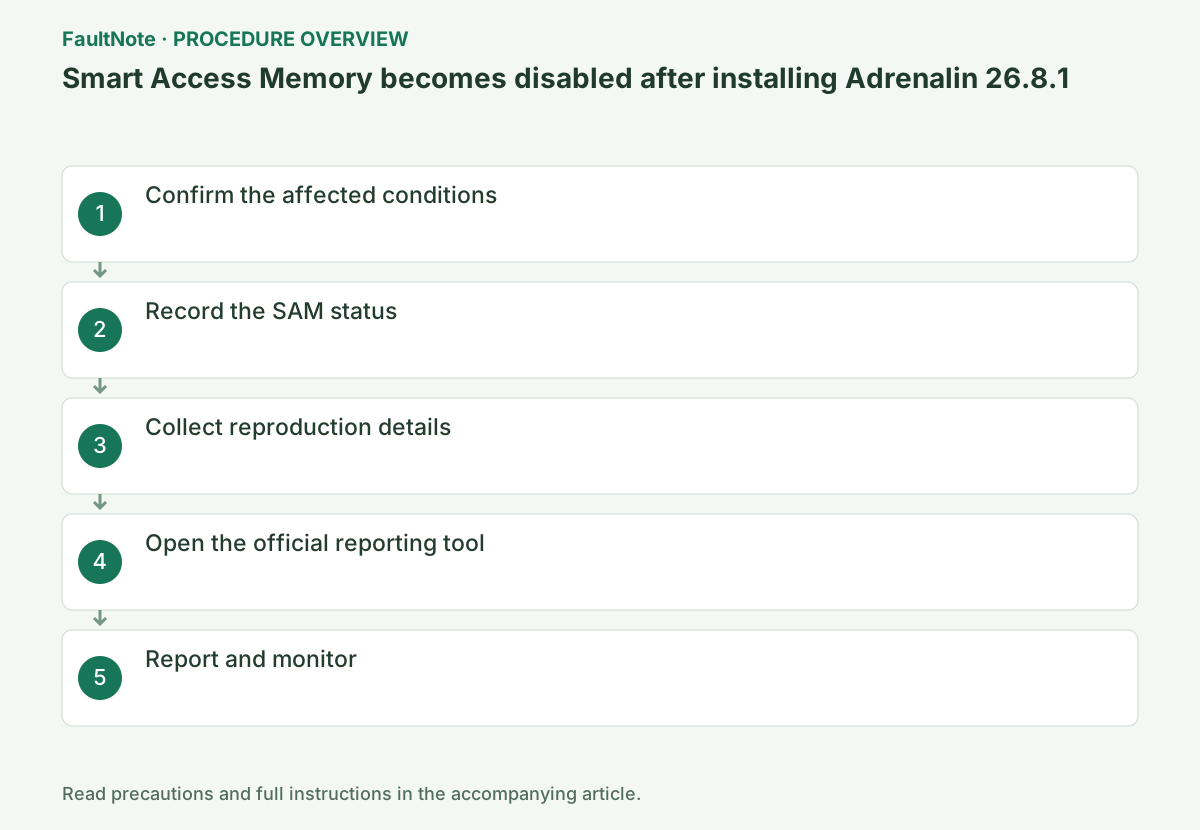
Open AMD Software > Settings > System and confirm that Software & Driver shows 26.8.1, and use winver to confirm Windows 10. Do not assume the same issue applies to Windows 11 or another driver.
Confirm 26.8.1 under Settings > System, Windows 10 with Win+R and winver, and the Smart Access Memory status under Performance > Tuning. If the conditions differ, leave the settings unchanged and investigate another cause.
Open AMD Software > Performance > Tuning and check whether Smart Access Memory shows Disabled. Restart AMD Software and Windows normally, and record with timestamps whether the status changes.
For an OEM computer, check the model's support page before choosing AMD's generic package. Switchable graphics, integrated GPUs, and handheld systems may require an OEM driver, so record the current version and retain a recovery package.
Collect the driver version, Windows build, CPU, GPU, motherboard model, installation method for 26.8.1, and SAM status before and after installation. Do not change settings; retain the screenshots for attachment.
During setup, close games, capture software, GPU monitoring tools, and other installers. Wait for a completion screen or specific new code, and do not power off if the display flickers temporarily.
Open AMD Bug Report Tool from the bug icon at the upper right of AMD Software, or Settings > System > Issue Reporting. If it is absent, use the standalone version from AMD's AMDBRT article.
After restart, open Device Manager > Display adapters > the GPU > Properties > Driver and confirm the provider and version. If it is not the intended state, do not repeatedly rerun the installer; save Install.log and the latest result.
Official links for this step
- AMD Bug Report Tool
Official standalone instructions when the reporting tool is unavailable in AMD Software.
Check before continuingThe official AMD Bug Report Tool page or signed package opens, and its product, OS, and version requirements match this computer.
- AMD Bug Report Tool
Enter the affected configuration and reproduction steps, attach the images, and submit the report. Check Known Issues and Fixed Issues in later release notes for an explicit fix.
Finally, open AMD Software > Settings > System and confirm the GPU name and Software & Driver version. Retry the original game, display, or installation operation once under the same conditions; revert the change if a new symptom appears.
Completion criteria: confirm that the report concerns Windows 10 with 26.8.1 and later check whether a subsequent release restores SAM to Enabled. If unmet, do not repeat the same operation; follow the next branch: if work is affected, consult the organization's administrator or AMD Support.
Check before continuingDecision: submit the affected configuration, reproduction steps, and images, then monitor later Known Issues and Fixed Issues. Confirm the GPU and driver version and retry the original operation once under the same conditions.
Check the result
- The report is for the Windows 10 and 26.8.1 combination
- A later release is checked to see whether SAM returns to Enabled
If the problem continues
- If work is affected, consult the organization's administrator or AMD Support
- Make no changes; retain the record and wait for a fixed release
Fix status
Investigating — This unresolved issue appears under Known Issues for 26.8.1. The official article gives neither a fixed release nor an estimated resolution date.
Frequently asked questions
Should I toggle Resizable BAR in the BIOS?
The official article does not present that as a workaround. Record the configuration and wait for an AMD fix or formal guidance.
Official sources and dates
- AMD Software: Adrenalin Edition 26.8.1 Driver Release Notes ↗
- AMD Bug Report Tool ↗
- AMD Software Help Center ↗
Source publication or resolution date: 2026-08-20. Sources checked: 2026-09-05. The check date is not the date the problem first occurred. Interface labels can vary between versions and display languages.
Related troubleshooting guides
AMD Radeon / Adrenalin errors and troubleshooting →
- AMD Software Error 182: graphics driver installation stops
- AMD Software Error 184: unsupported operating system
- AMD Software Error 195: cannot access required web resources
- Clean and reinstall the graphics driver with AMD Cleanup Utility
AMD, Intel and NVIDIA driver installation errors →