Extract Split Downloads: Recognize Volumes and Keep the Complete Set
A split archive is one archive distributed across multiple files. Confirm the format and starting file specified by the publisher, then collect the complete set in one folder before extracting.
Published · Updated · FaultNote editorial policy
Who this guide is for and what to prepare
- People whose purchases arrive as several numbered files
What you need
- Open the publisher file list and extraction instructions
- Prepare an empty folder dedicated to one product
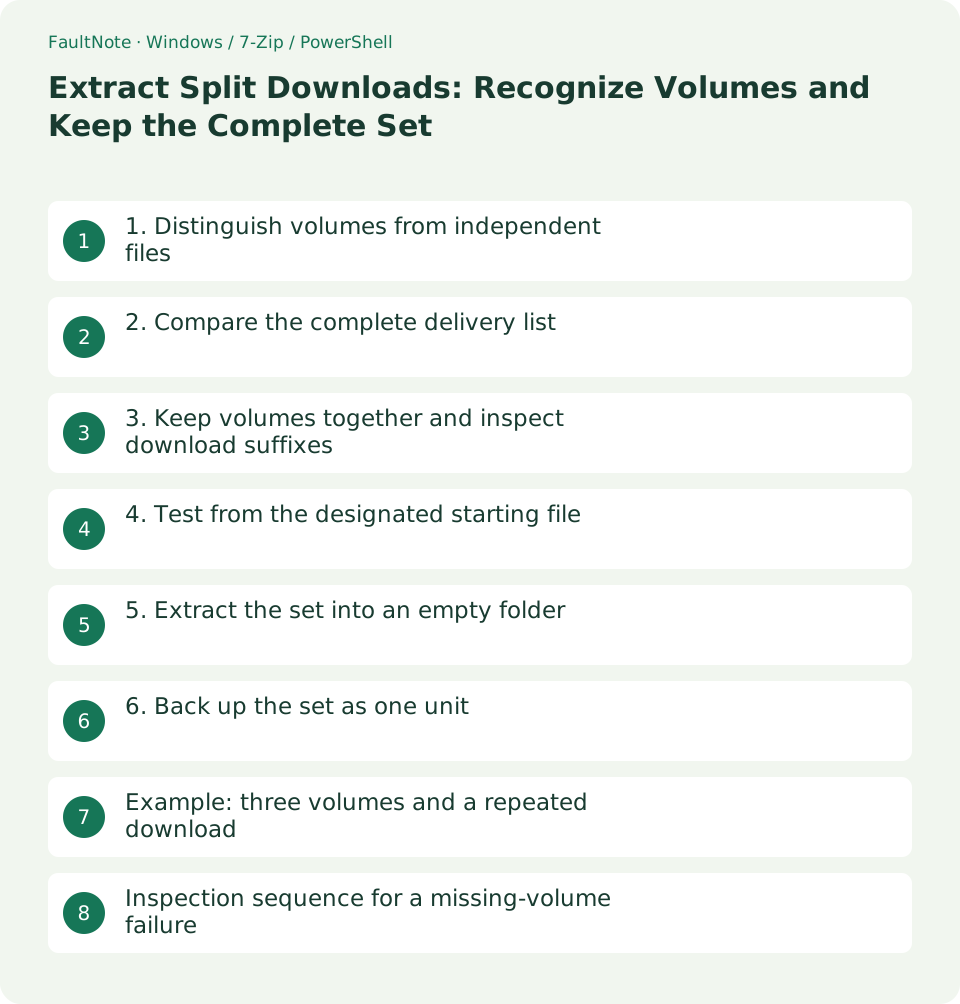
1. Distinguish volumes from independent files
Game.7z.001 and Game.7z.002 can be volumes of one 7z archive, while Game.zip and Bonus.zip may be independent deliveries. Read the full extension and publisher instructions rather than treating any numbered name as a volume.
RAR part names and split ZIP sets such as .z01 plus .zip can use different starting files. Supported extraction tools also vary. Follow the publisher instructions for that specific format.
2. Compare the complete delivery list
If the delivery lists three volumes, match all three names locally. A set containing .001 and .003 needs .002; determine the final volume from the publisher list. The last volume can legitimately be smaller.
Keep demo and full-release sets apart. Separate different releases even when their names match. A combined size does not prove that every required volume belongs to the same set.
3. Keep volumes together and inspect download suffixes
Copy all volumes into one folder. A browser-added suffix such as (1) can break the expected common base name. Preserve the downloaded originals and correct names only on a working copy against the official list.
Cancel conflicts rather than overwriting a volume from an unknown set. Use the containing folder for your descriptive product name instead of renaming just one member.
4. Test from the designated starting file
For a .7z.001 set, select .001 in 7-Zip and run Test so the following volumes can be read from the same folder. Do not extract each volume separately and manually combine folders. Use the instructed starting file for other formats.
If reading fails partway through, inspect the named volume, sequence, and size. Download a missing part; when all parts exist, compare against a separately downloaded set.
5. Extract the set into an empty folder
After testing, extract from the starting file into an empty release-specific folder. Review completion and error messages, then compare the resulting content with the included instructions. Do not mark a partly extracted folder complete.
If corrected names still fail, check the legitimate password and tool support. Renaming the extension to ZIP or inventing an empty missing volume cannot recover the original bytes.
6. Back up the set as one unit
Retain all volumes and a brief file list in Originals. Compare names and volume counts in the backup. For a restore check, copy the full backup set into another folder and test it there.
Keeping only .001 can lose data needed for extraction even if a listing remains visible. Make retention decisions for the whole set, and record how independent bonus ZIP files relate to the main purchase.
Example: three volumes and a repeated download
Suppose the official list contains .001, .002, and .003, while Downloads has those plus a browser-renamed second copy of .002. Separate the extra for comparison and test one complete .001-to-.003 set. Inspect the full extension because suffix placement can vary.
Compare hashes before treating the two .002 files as identical, especially across download dates. If identical, one redundant Downloads copy can be reviewed for removal, but the retained set must still include one .002. Duplicate review is per file; completeness is per set.
If .003 may belong to an old release, do not fill the gap with an uncertain volume. Obtain one complete set from the same release and keep it separate. Identical volume names do not establish identical archive boundaries or data.
Register the set after a successful complete test. Record volume count, common base name, release, and location for restore checks. An independent bonus ZIP is a separate delivered item, not another volume in that count.
Inspection sequence for a missing-volume failure
Record the exact named file and compare it with full local names. Show extensions to spot an extra suffix such as .002.zip or a misleading hidden extension. Do not rely on truncated display labels.
If the browser shows that part unfinished, wait for completion or redownload it normally. Renaming a stopped download cannot supply missing bytes. Resolve insufficient space separately from deciding whether already completed volumes need replacement.
If all volumes exist, check for separate directories, common-name differences, or browser suffixes. Correct working copies individually against the delivery list instead of using a broad replacement across unrelated products.
If failure remains, revisit the starting file and supported tool. Some deliveries require their own joining procedure; do not force every split format into the .001 workflow. A support request should include product ID, format, volume list, and failure stage.
Scroll horizontally to see the full table →
| Situation | Next check |
|---|---|
| Number gap | Identify the missing volume from the list |
| Name mismatch | Restore official names on copies |
| Complete count but mixed releases | Obtain one same-release set |
Limitations and requirements
- Do not mix identically named volumes from different releases
- Renaming cannot replace missing or damaged data
Frequently asked questions
Is a smaller final volume an error?
A smaller final volume can be normal. Check the publisher list and test the complete set.
Will an extra ZIP automatically join the main set?
An independent ZIP normally needs separate extraction. Read whether it is a patch, bonus, or documentation.
Can volumes live in separate folders?
Keep the set together unless the publisher provides another supported arrangement.
Should I recompress all volumes into one ZIP?
The delivered set is easier to compare later. If you create another packaging format, retain the original set and instructions separately.
Sources and verification date
Sources checked: . These sources support the specifications, procedures or prices discussed here. Check each source for applicable conditions and current information.
Related practical guides
- Check Purchased ZIP and 7z Downloads Before Extraction
- Review Duplicate Purchased Files with SHA-256
- Back Up Purchased Originals and Verify a Restore
- Organize Purchased Downloads: Originals, Working Copies, and Update Records
- Plan Purchased-Library Names Without Breaking Internal Paths
- Create a Searchable CSV Inventory of Purchased Files