Secure Boot certificates expire in 2026: check your PC's state and know what actually stops
The Microsoft Secure Boot certificates issued in 2011 begin expiring in June 2026. The first worry this raises is whether a PC will stop booting, and Microsoft's answer is no: a device that reaches the date without the new certificates still starts and operates normally, and Windows updates still install. What stops is new protection for the early boot process. This guide was written on 2026-09-21 from two Microsoft support articles and covers what continues, what stops, where to read your own status in the Windows Security app, and what to do for each state. Nothing here was reproduced on hardware.
Published · Updated · FaultNote editorial policy
Who this guide is for and what to prepare
- People who have heard about the certificate expiry and want to know whether their machine is affected
- People seeing a yellow or red badge in the Windows Security app and wanting to know what it means
- People weighing whether to keep an older PC, who want one more concrete input
What you need
- Put the machine in a state where Windows Update can run — internet connection, and pending updates checked
- Confirm you can open the Windows Security app from Start
- Note the make and model, in case you need to look up firmware updates
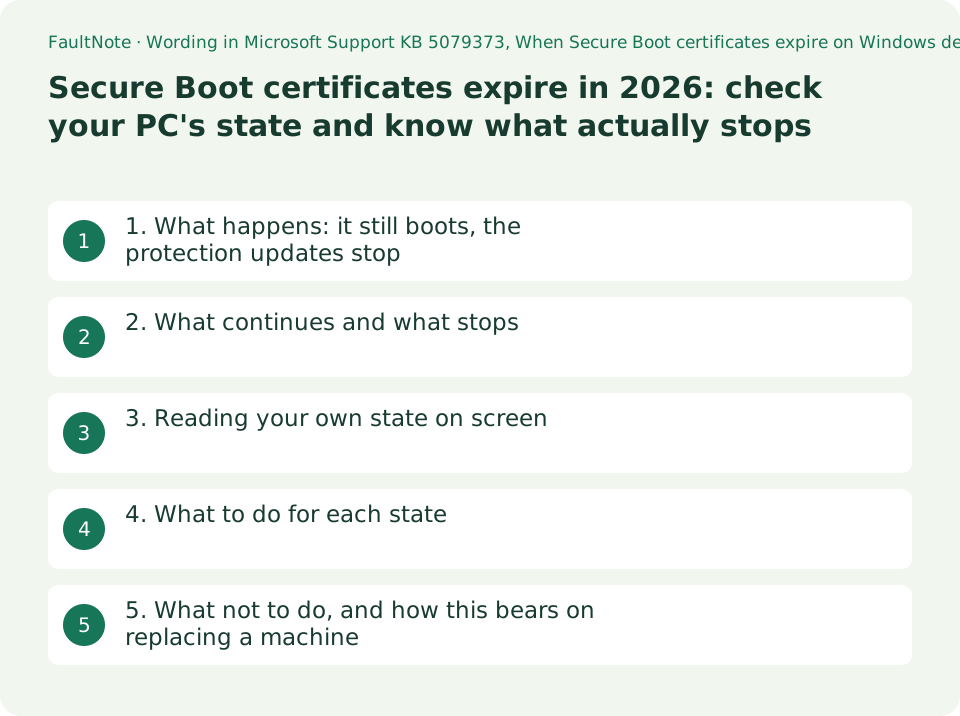
1. What happens: it still boots, the protection updates stop
Microsoft's KB 5079373, published 10 February 2026, sets out the situation: The Microsoft Secure Boot certificates originally issued in 2011 begin expiring in June 2026. To maintain protection against new boot-level threats, Microsoft is updating devices with a new set of 2023 certificates. Most devices will receive these updates automatically, but some systems may require additional firmware updates.
Most machines get the 2023 certificates by themselves; some need a firmware update from the manufacturer as well.
On what happens if that does not arrive in time, the same article is unambiguous: If your device reaches the expiration date without the new certificates, it will still start and operate normally. Standard Windows updates will continue to install.
What stops is narrower and specific: However, the device will no longer be able to receive new security protections for the early boot process. This includes updates to Windows Boot Manager, Secure Boot databases and revocation lists, and fixes for newly discovered vulnerabilities in the boot chain. And then: As new threats emerge, a device in this expired state becomes progressively less protected. The loss is relative and grows with time rather than arriving all at once.
2. What continues and what stops
The article splits these under two headings. Reproduced below, because the belief that the machine stops booting is the one thing worth correcting first.
Scroll horizontally to see the full table →
| Category | As stated by Microsoft, summarised |
|---|---|
| Continues | The device continues to start normally |
| Continues | Windows updates continue to install, except boot-related security components that require the updated certificates |
| Continues | Everyday app use, networking, browsing and most OS features remain unchanged |
| Stops | New Secure Boot and Boot Manager protections cannot be applied |
| Stops | Vulnerability fixes for the early boot environment, such as BitLocker bypass mitigations or Secure Boot revocations, will not be available |
| Stops | Some third-party components relying on Microsoft Secure Boot trust may fail to update if they require newer certificate entries |
3. Reading your own state on screen
The second article, KB 5087130, published 2 April 2026, gives the place to look: Starting in April 2026, the Windows Security app displays additional information about the status of Secure Boot certificate updates on your device. You can find this under Device security > Secure Boot.
A green, yellow or red badge appears alongside explanatory text. Green means the device is sufficiently protected with no recommended actions; yellow means there is a safety recommendation; red means something needs immediate attention.
There is one warning worth reading twice: A green checkmark alone does not confirm your certificates are updated. Microsoft tells readers to look for the text Secure Boot is on and all required certificate updates have been applied. No further certificate changes are needed. The badges previously only reflected whether Secure Boot was on or off, so judging by colour alone reads the old meaning into a new indicator.
The enhancement is also described as gradually rolling out through service updates and Windows monthly updates, so it may not be on your screen yet.
4. What to do for each state
The same article pairs each state with an action. The rows below are the ones relevant to a home or personal machine.
Note that two rows say to do nothing. A paused update is a deliberate measure against a known issue and is stated to resume automatically once resolved — not a reason to start changing firmware settings.
Scroll horizontally to see the full table →
| State shown | Microsoft's description, summarised | What to do |
|---|---|---|
| Fully updated (green check plus the specific text) | All required certificate updates received and the updated Boot Manager installed | No action is needed |
| Not yet updated | Running with an older certificate; the update is expected to arrive automatically through Windows Update | Make sure the device is online and has the latest Windows updates installed |
| Text saying updates are temporarily paused | Certificate updates paused because of a known issue while Microsoft and partners work toward a resolution | No action is needed; it resumes automatically once resolved |
| Text saying an older boot trust configuration is in use | Secure Boot is on but the device uses an older boot trust configuration that should be updated | Install the latest Windows updates and restart if prompted |
| Requires action (red stop icon) | A boot-process security update exists that cannot be delivered to this boot configuration. Stated as possible from June 2026 | Apply the latest updates, and ask the manufacturer about firmware updates if needed |
| Yellow caution badge (from May 2026) | May appear when the update is blocked by a hardware or firmware limitation | Ask the manufacturer whether a firmware update is available |
5. What not to do, and how this bears on replacing a machine
On the workaround people reach for first, Microsoft is explicit: Secure Boot should not be disabled to work around certificate expiration. Disabling Secure Boot significantly reduces device protection, removes safeguards against boot-level malware, and can create new security and compliance risks.
And then: The recommended path is to ensure your device receives the updated 2023 Secure Boot certificates and any required OEM firmware updates. This guide gives no procedure for disabling Secure Boot.
The sentence that bears on a purchase decision is about firmware. Microsoft directs readers, personal and organisation-managed alike, to contact their OEM about required firmware updates, and adds: keeping in mind that such updates may only be available for devices that are still within their support period.
So on a machine past its support period where the update does not arrive, the options available to the owner are limited. That is one concrete input into when to replace a machine. No manufacturer's provision was checked here, so ask about your own model.
Limitations and requirements
- Nothing here was reproduced on hardware. The conditions and screen text quoted are from Microsoft's published documents, and wording can differ by version and rollout state.
- Do not disable Secure Boot to work around the expiry. Microsoft states plainly that it should not be done, and this guide gives no procedure for it.
- A green checkmark on its own is not evidence that certificates are updated. Read the accompanying text as well.
- The wording quoted was read on 2026-09-21. This subject is tied to dates, so open Microsoft's pages again when you read this.
Frequently asked questions
If the certificates expire, will my PC stop booting?
Not according to Microsoft. A device that reaches the expiration date without the new certificates still starts and operates normally, and standard Windows updates continue to install. What stops is new protection for the early boot process.
Where do I see my own status?
Windows Security > Device security > Secure Boot. Microsoft states that from April 2026 the app shows certificate update status there with a badge and explanatory text, and that the change is rolling out gradually, so it may not have reached your machine.
Is a green check enough?
No. Microsoft states that a green checkmark alone does not confirm the certificates are updated, and tells readers to look for the accompanying text stating that all required certificate updates have been applied and no further certificate changes are needed.
Can I just disable Secure Boot to get around it?
Microsoft states it should not be disabled to work around certificate expiration, and that doing so significantly reduces device protection, removes safeguards against boot-level malware and can create new security and compliance risks.
What if the update never arrives on my machine?
Some devices need an OEM firmware update. Microsoft directs readers to their manufacturer, adding that such updates may only be available for devices still within their support period. Ask about your specific model; none was checked here.
Sources and verification date
Sources checked: . These sources support the specifications, procedures or prices discussed here. Check each source for applicable conditions and current information.
- Microsoft: When Secure Boot certificates expire on Windows devices (KB 5079373, published 10 February 2026). States that the 2011 certificates begin expiring in June 2026 and are being replaced with 2023 certificates; that some systems may require additional firmware updates; that a device reaching the date without them still starts and operates normally and continues to receive standard Windows updates; that new protections for the early boot process, including Windows Boot Manager, Secure Boot databases and revocation lists, and boot-chain vulnerability fixes, will not arrive; the what-continues and what-no-longer-works lists; that Secure Boot should not be disabled to work around certificate expiration; and that OEM firmware updates may only be available for devices still within their support period. Read 2026-09-21 ↗
- Microsoft: Secure Boot certificate update status in the Windows Security app (KB 5087130, published 2 April 2026). States that from April 2026 the Windows Security app shows certificate update status under Device security > Secure Boot; the meaning of the green, yellow and red badges; that a green checkmark alone does not confirm certificates are updated and which text to look for; the Fully updated, Not yet updated and Requires action states; that a yellow caution badge may appear from May 2026 when a hardware or firmware limitation blocks the update; that updates can be temporarily paused for a known issue with no action needed; and that the change is rolling out gradually. Read 2026-09-21 ↗
Related practical guides
- Windows 11 stops updating by version: check yours with winver against the published end dates
- Still on Windows 10: choosing between ESU, an in-place Windows 11 upgrade and a new PC, from two published dates
- When memory integrity refuses to turn on: the incompatible driver, and what to check before buying
- A laptop that drains in your bag may be behaving as designed: Modern Standby against S3
- Why Wake on LAN does not wake a shut-down PC: it is the state, not your settings
- Installing Windows 11 on an unsupported PC: what Microsoft states will happen