Create a personal filter view in Google Sheets
This is the procedure for saving sorting and filtering conditions without changing the display of co-editors. We will explain in detail the starting position, setting values, completion confirmation, and how to review in case of problems.
Published · Updated · FaultNote editorial policy
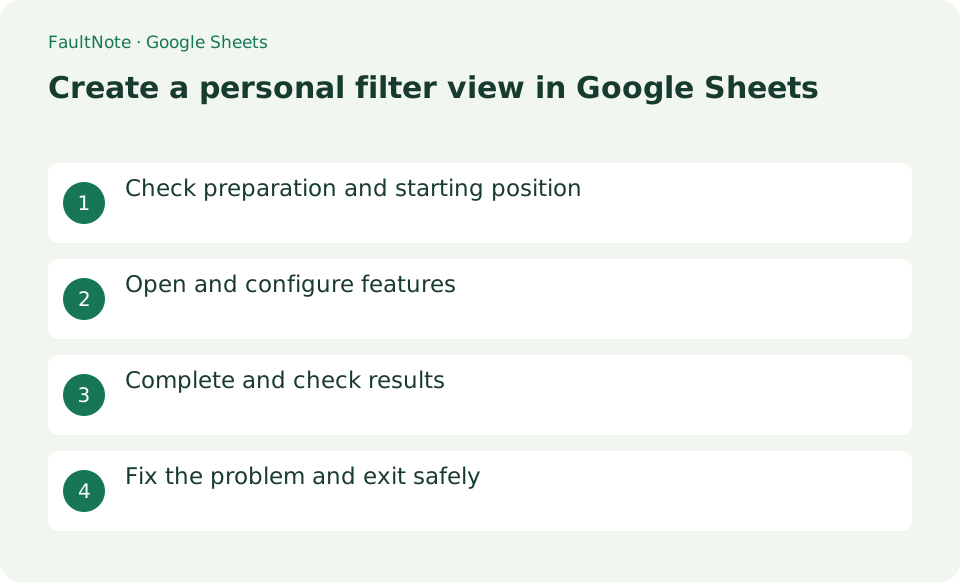
Who this guide is for and what to prepare
- First-time users of Google Sheets
- People who want to test creating a personal filter view in Google Sheets safely
What you need
- Decide on a table that has a heading row and is not divided by blank rows, and the filtering conditions.
Inspect headers and the target range
Decide on a table that has a heading row and is not divided by blank rows, and the filtering conditions.
Distinguish a normal filter from a filter view
Select a cell in the table and select [Data] > [Create Filter View]. Change the view name to "Incomplete Only" in the top left of the black bar.
Select [Filter by value] from the filter in the status column and leave only "Incomplete". If necessary, add [Filter by condition] to the deadline column as well.
- Create a filter view from the Data menu
- Set the range and owner and status conditions
Set conditions and a view name and inspect the result
Close the view with the x in the top right. Refresh the page by going to Data > Change View > Incomplete Only and confirm that the normal view has not changed.
- Save the view, close it, and reopen it
Remove conditions to inspect hidden rows
To share conditions, pass the URL that opens the filter view. The other party will need permission to view the original sheet.
Regular Create Filter can affect what collaborators see. Use filtered views for your own confirmation.
- Remove conditions one column at a time and compare rows
Try a small owner-and-status example
Prepare a few rows with Owner, Status, and Due date headers, then filter for your owner name and an unfinished status. Confirm that the intended rows remain and that the range includes the header and final data row. In a larger table with blank rows, inspect any automatically selected range. Rows hidden by a filter are still present; do not delete source data to repair a filtered view.
In a shared task list, filter for your owner name and unfinished status, then sort by deadline. When an item changes to completed, its disappearance from that view follows the condition. Check the all-items display to verify that the record remains.
Reuse a named view and its URL
Name the view for its purpose, such as My unfinished items, close it, and reopen it to verify the conditions. Share the URL while that view is open when another collaborator needs the same filter. The URL does not grant access to the underlying spreadsheet. With view-only access, distinguish a temporary filter from a view that can be saved, and ask an authorized editor to save it if needed.
Inspect values when the row count is unexpected
If fewer rows appear than expected, inspect spaces in names, inconsistent spelling, and dates stored as text. Conditions on multiple columns narrow the result together, so remove one condition at a time to identify the mismatch. Close the view to return to the normal display and inspect the source order when needed. Do not delete columns or mass-replace collaborators data just to repair a viewing condition.
Scroll horizontally to see the full table →
| Observed result | Next action | Success condition |
|---|---|---|
| A colleague display changes too | Check whether a normal filter is active | Work proceeds in a personal filter view |
| Some rows are outside the filter | Inspect the range end and blank rows | Every intended row receives the conditions |
| An owner name gives no matches | Inspect spaces and spelling | The matching values are understood |
Limitations and requirements
- Regular Create Filter can affect what collaborators see. Use filtered views for your own confirmation.
Frequently asked questions
What if you can't find the item you want in Google Sheets?
To share conditions, pass the URL that opens the filter view. The other party will need permission to view the original sheet.
What should I be especially careful about when creating a personal filter view in Google Sheets?
Regular Create Filter can affect what collaborators see. Use filtered views for your own confirmation.
Does sharing a filter-view URL grant access?
Access to the spreadsheet is separate. If the recipient is denied, check spreadsheet sharing and their account. Sharing display conditions and granting editing access are different operations.
What if rows seem to have disappeared?
Close the view or remove conditions and inspect all records. Existing rows were only hidden. If they are absent from the source too, inspect history rather than adding duplicates as a filter repair.
Sources and verification date
Sources checked: . These sources support the specifications, procedures or prices discussed here. Check each source for applicable conditions and current information.