Obsidian vs Joplin: Data Storage, Sync, and Encryption
Obsidian saves Markdown plain text in a vault and can be used by other editors. Joplin allows you to manage and export notes, tags, and attachments using the app.
Published · Updated · FaultNote editorial policy
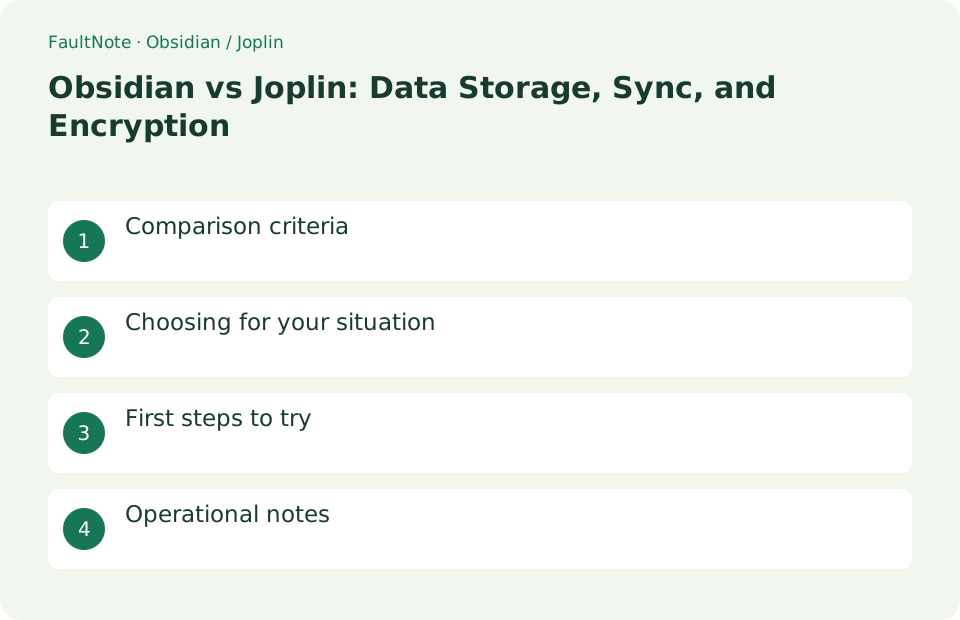
Who this guide is for and what to prepare
- People who want to know the difference between Obsidian / Joplin
- People who want to start with a small, safe test
What you need
- Make a test copy leaving the original data
- Check the compatibility conditions and storage location of the destination
Comparison criteria
Obsidian saves Markdown plain text in a vault and can be used by other editors. Joplin allows you to manage and export notes, tags, and attachments using the app.
Scroll horizontally to see the full table →
| standard | Obsidian | Joplin |
|---|---|---|
| keep | Markdown in folder | App management |
| synchronization | official or external | Cloud, WebDAV, and other services |
| E2EE | Sync function | Optional activation |
Choosing for your situation
If you want to directly manage files and focus on links, use Obsidian. If you want to have web clips, to-dos, and various sync destinations within the app, use Joplin.
Obsidian's regular files are advantageous if you want to follow research notes with Git differences or change editors freely. Joplin is a good option if you want to clip a large number of web pages and sync notes, tags, and attachments to multiple devices. However, Obsidian's plugin notation and Joplin-specific metadata do not behave the same way with simple Markdown exchange. Transfer at least 10 representative items first; verify links, images, search behavior, and creation timestamps before moving everything.
First steps to try
Create the same text, internal links, and images in both and check the export. Joplin E2EE will proceed to the next device after synchronization is completed on one device.
- Create a new vault with Obsidian and add Markdown notes, internal links, and images
- Open.md and attachments in vault directly from Explorer
- Create the same body text, tags, check items, and images in Joplin
- Export Joplin JEX or Markdown and check the correspondence between the body and attachments
- If you use synchronization, complete the first device and try editing conflicts and decryption on the second device.
Operational notes
Keep your encrypted passwords safe, back them up including settings and attachments, and open the link to restore them.
Judge migration by attachments and links too
Migrate samples containing plain text, an image, an internal link and a checklist. Readable text is not enough when attachments or links to other notes are broken. Check how tags and notebook hierarchy appear in the destination.
Plugin-specific syntax and rendering may not survive as ordinary Markdown. Perform your usual search, linking and attachment tasks in the destination and record missing functions. Establish a way back with samples before converting the entire collection.
Separate sync encryption from device protection
Encryption along the synchronization route does not automatically protect an unlocked screen or exported document. On a shared computer, manage screen locking, local folder permissions and export destinations separately.
With Joplin E2EE, verify synchronization across devices rather than assuming every device is ready immediately after configuring one. Read a sample on the second device after synchronization completes. Keep recovery information outside the notes app as well, so loss of app access does not block recovery.
Worked scenarios and decision boundaries
Someone wanting Markdown folders usable in other editors has different priorities from someone wanting notes, attachments and sync managed in one app. Evaluate backup coverage and what another app can actually read, alongside writing comfort.
Describe three concrete daily tasks. For example, add a photo note on the phone, search it on the PC and follow a related-note link. A listed feature and a practical end-to-end workflow are different evidence.
Large collections cannot always be read individually during migration. Discover vulnerable elements in samples, then inspect representative text, images and links in the full migration. Retain pre-migration data so affected notes can be recovered.
Scroll horizontally to see the full table →
| Condition | Route to evaluate | Acceptance boundary |
|---|---|---|
| Use files in another editor | Evaluate file-based operation | Trial text and link compatibility |
| Notes shared between phone and PC | Evaluate sync and attachments | Read an image sample on both |
| Strong plugin dependency | Inventory current features | Identify lost rendering or syntax |
| Sensitive notes | Manage sync, device and exports separately | Keep recovery information independent |
Run the trial and complete the transition
For a recipe with a photo and a link to another recipe, readable text alone is insufficient. Open the photo, follow the link and add an ingredient on the phone to verify PC synchronization. Fix attachment location or link syntax in the sample before full migration. For encrypted synchronization, inspect second-device readiness. Read an export elsewhere to check access when the app is unavailable. Several representative notes expose more migration problems than one long plain-text note.
- Prepare text, image, internal-link, tag and checklist samples.
- Back up current data independently and establish restoration.
- Migrate samples and perform search, image display and link navigation.
- Add a note on phone and PC and verify synchronization both ways.
- Inspect exported data elsewhere and record missing functions.
- Move accepted projects and retain old data while switching daily work.
Limitations and requirements
- Export before sync
- Be careful not to lose your encryption password
Frequently asked questions
Does it look the same?
There are differences in unique notation and attachment paths.
E2EE simultaneous setting?
Synchronize one device at a time.
Does Markdown guarantee full compatibility?
Readable body text does not guarantee identical internal links, attachment references or plugin syntax. Migrate representative notes and test search and navigation too.
Does synchronization complete backup?
Synchronization aligns current state and can propagate deletion or overwrite. Keep an independent copy including attachments and a recovery procedure for losing access to the original app.
Sources and verification date
Sources checked: . These sources support the specifications, procedures or prices discussed here. Check each source for applicable conditions and current information.
Related practical guides
- Obsidian: Connect Local Markdown Notes
- Joplin: Organize Notes and Web Clippings
- Bitwarden Free vs Premium: sync, authentication codes and emergency access
- Export calibre highlights and annotations to a separate file
- Switch between two PCs with Steam Cloud: save handoff and verification
- How to read a CPU model name: Core Ultra and Core suffixes, and why the same model performs differently