Obsidian: Connect Local Markdown Notes
Organize your Markdown in Vault with bidirectional links and tags to create a personal knowledge base. This guide covers installation, practical steps, limitations, and how to stop using the app.
Published · Updated · FaultNote editorial policy
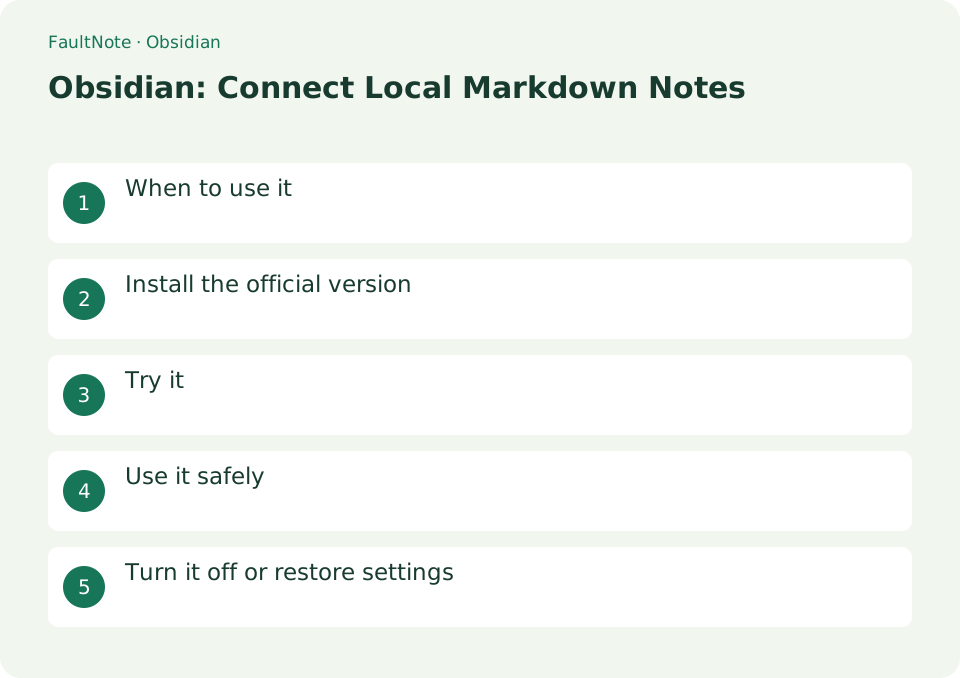
Who this guide is for and what to prepare
- First-time users of Obsidian
- People who want to check the storage location and safety of data while reducing manual work
What you need
- Check the processing target and storage location, and preserve the original data in another location
- Check the official distribution source, supported OS, and required permissions
When to use it
Organize your Markdown in Vault with bidirectional links and tags to create a personal knowledge base.
Install the official version
Install the compatible OS version from obsidian.md, and choose whether to save in the sync area or locally in [Create new vault].
- Install the compatible OS version from obsidian.md, and choose whether to save in the sync area or locally using [Create new vault].
Connect two notes
Create Projects and Meeting notes. Insert [[Projects]] in Meeting, follow the link and return. Decide whether note names represent projects, people or dates before adding many links; consistent names reduce ambiguous destinations.
Trace project decisions
Keep project decisions separate from dated meeting context. Links are references, not backups. Practice with a small vault and inspect attachments too.
- Create a clearly located practice vault with Projects and a dated Meeting note.
- Separate decisions, open questions and owners and link to [[Projects]].
- Add and verify navigation in both directions before adding notes.
- Check attachment paths and test preservation on a copy before moving files.
- Close and copy the entire vault, then verify notes and attachments from the copy.
Try it
The first time you click [Create new vault], specify the name and local storage location. Enter [[meeting notes]] in a new note, open the link, and create a related note. Check the Markdown in Vault in Explorer as well.
- The first time you click [Create new vault], specify the name and local storage location.
- Enter [[meeting notes]] in a new note, open the link, and create a related note.
- Check the Markdown in Vault in Explorer as well.
Inspect storage
Find the Markdown files in the vault folder and confirm a backup exists after closing Obsidian. Copying selected notes differs from backing up the whole vault: settings and attachments may otherwise be omitted.
Separate link and sync problems
Check the actual filename for an empty link target. On another device, verify the vault and transfer status. Synchronization can propagate deletions, so keep a dated independent copy before important changes.
Scroll horizontally to see the full table →
| Observation | Decision and next action |
|---|---|
| Link opens | Retain the target content; references do not preserve deleted notes. |
| Names are ambiguous | Use project/date distinctions and test small renaming changes. |
| Image missing | Inspect attachment paths and compare note-only and whole-vault backups. |
| Another device is outdated | Check vault and synchronization, preserving both conflicting versions. |
Use it safely
Vault creation alone will not synchronize between devices. Obsidian Sync requires setup with a separate subscription. Overlapping with another sync service may cause conflicts and requires a full Vault backup.
Keep notes when leaving Obsidian
Close the vault after identifying its location. Before uninstalling, copy the whole vault elsewhere and verify Markdown files and attachments. Removing the app and deleting the vault folder are separate actions; retain the vault. If using a sync service, follow that service's stopping procedure.
- Record the vault path and preserve required notes and attachments
- Verify the copied files and close Obsidian
- Retain the archived vault even when removing the application
Limitations and requirements
- Vault creation alone will not synchronize between devices. Obsidian Sync requires setup with a separate subscription. Overlapping with another sync service may cause conflicts and requires a full Vault backup.
Frequently asked questions
If I create a Vault, will it be synced?
No. Set up Obsidian Sync, which is a separate subscription, or configure another synchronization method.
Will my notes disappear if I delete the app?
Usually a local Vault remains and can be opened in another editor as Markdown.
Should I add plugins immediately?
Use core functions for one project first and add plugins for identified gaps.
How do I share notes?
Copy required notes, attachments and targets; review private content before sharing a whole vault.
Sources and verification date
Sources checked: . These sources support the specifications, procedures or prices discussed here. Check each source for applicable conditions and current information.
Related practical guides
- Obsidian vs Joplin: Data Storage, Sync, and Encryption
- Joplin: Organize Notes and Web Clippings
- Bitwarden: Create Your First Password Vault
- KeePassXC: Create an Offline Password Database
- Bitwarden Free vs Premium: sync, authentication codes and emergency access
- How to read a CPU model name: Core Ultra and Core suffixes, and why the same model performs differently