Diagnose MSVCP and VCRUNTIME errors by game architecture
Capture the complete missing MSVCP or VCRUNTIME message. Keep other failures such as 0xc000007b separate rather than assuming a shared cause. Compare the filename with publisher prerequisites.
Published · Updated · FaultNote editorial policy
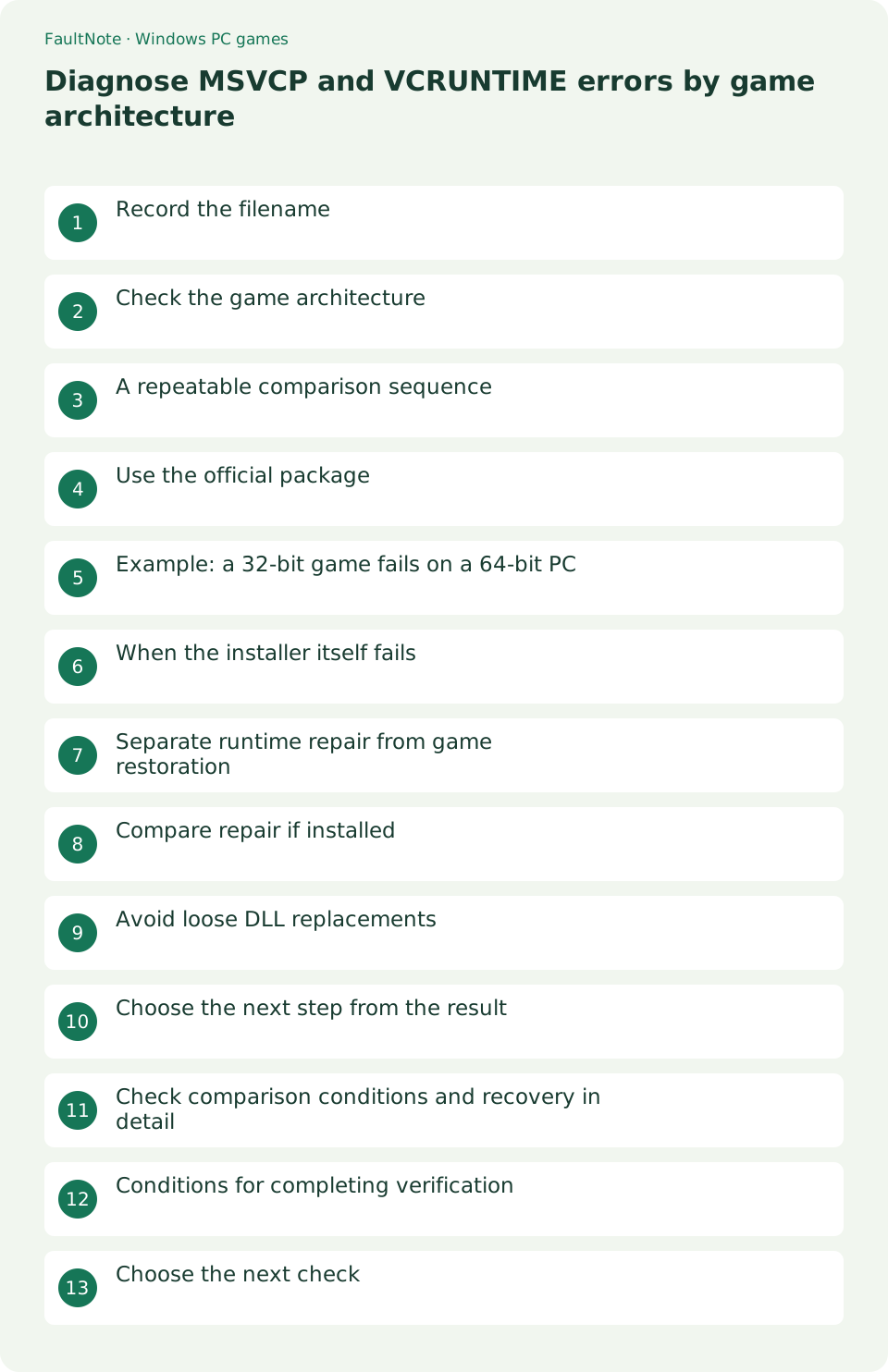
Who this guide is for and what to prepare
- Players setting up a Windows game
- Players isolating a specific symptom
What you need
- Read publisher requirements and the game Readme
- Close the game and record original settings
Record the filename
Capture the complete missing MSVCP or VCRUNTIME message. Keep other failures such as 0xc000007b separate rather than assuming a shared cause. Compare the filename with publisher prerequisites.
Check the game architecture
A 64-bit Windows PC can run a 32-bit game. Use the Readme or supplied prerequisite instructions to identify x86 versus x64. Choose for the application architecture, not merely the operating system.
A repeatable comparison sequence
A recent Windows update does not prove every runtime prerequisite is present. Use game-specific generation requirements; ask the publisher when undocumented rather than borrowing another game instructions.
- Capture the complete runtime filename including its number.
- Check required generation and application architecture.
- Choose the matching official Microsoft package.
- Relaunch and record any changed error.
Use the official package
Match the required runtime generation and architecture using Microsoft downloads. Current v14 is not a universal replacement for every older runtime family. Close the game before running the installer.
Example: a 32-bit game fails on a 64-bit PC
A working 64-bit application does not prove that a 32-bit game dependency is installed. If the Readme specifies x86 but only x64 was installed, check the official x86 package. A resolved MSVCP error after that comparison supports an architecture-related dependency explanation. Do not infer application architecture solely from an executable filename.
When the installer itself fails
Treat prerequisite installation failure separately from game failure. Record installer error, package name and whether the action was repair or installation. If a restart is requested, save work and follow it before one comparison launch. Repeated game attempts cannot validate a dependency that never installed successfully.
Separate runtime repair from game restoration
Official runtime repair checks a shared Windows prerequisite. A separate original game package checks modification or missing game files. Keep those comparisons sequential so improvement remains attributable. Verify the required package first, record the outcome, then compare the original distribution. Ask the publisher about generation requirements before removing historical packages or moving DLLs into system directories.
Compare repair if installed
Check Installed apps for the matching package and use the official installer Repair option when available. Multiple generations can coexist legitimately; do not remove them just to simplify the list.
Avoid loose DLL replacements
Do not copy a randomly downloaded DLL into System32. Compare a modified game against an original package in a separate folder rather than adding more version or architecture mismatches.
Choose the next step from the result
Record whether setup installed, repaired, found a newer version, requested restart or failed. Keep this separate from the game result. Do not immediately uninstall a newer shared package based on an installer message.
Scroll horizontally to see the full table →
| Observed result | Next check |
|---|---|
| Same DLL error | Recheck architecture and required generation |
| Different DLL error | Distinguish resolved and remaining dependencies |
| Failure when loading | Report the later reproduction steps |
Check comparison conditions and recovery in detail
Read bundled prerequisite documentation. Avoid all-in-one unofficial installers that obscure which packages changed. Record the particular official package and check regularly used applications afterwards.
Check shortcut targets when the same error persists. A shortcut may still point to an older folder. Compare the documented executable directly and report its version with the runtime generation and architecture.
Conditions for completing verification
Completion means an explained installer result, the intended executable launching and a real scene loading. Do not assume every package tried was necessary. Preserve installation history and avoid blanket removal of shared runtimes. Report later scene failures separately and check regularly used applications before returning to normal use.
Choose the next check
Record the package, installer result and remaining error. Ask the publisher about the required generation before repeated installations. If launch succeeds, load a scene to check for a later dependency failure.
Limitations and requirements
- Preserve original files and settings; compare one change at a time.
- A general workaround cannot add an unsupported game feature.
Frequently asked questions
Does this apply to every game?
No. Input, display options and dependencies vary. If an option is absent, return to the game Readme and publisher guidance.
What should I record?
Record game and Windows versions, the complete error, settings before and after changes, and menu and gameplay results. Do not publish purchase identifiers or personal data.
Does x64 replace x86?
No. A 32-bit application can require an x86 package on a 64-bit Windows PC.
Should I remove old runtimes?
Avoid blanket removal: other applications may still need those generations.
Sources and verification date
Sources checked: . These sources support the specifications, procedures or prices discussed here. Check each source for applicable conditions and current information.
Related practical guides
- First launch of a ZIP-distributed indie game
- Check legacy DirectX libraries for d3dx9 and XInput1_3 errors
- Check XInput and DirectInput when an indie game ignores a controller
- Isolate double navigation and duplicate players from one controller
- Choose windowed or fullscreen presentation for an indie game
- Diagnose tiny text and offset clicks in a high-DPI game