Isolate double navigation and duplicate players from one controller
Tap a direction once and count menu jumps. Separate held-button repeat from duplicate events and note whether one controller joins two players.
Published · Updated · FaultNote editorial policy
Who this guide is for and what to prepare
- Players setting up a Windows game
- Players isolating a specific symptom
What you need
- Read publisher requirements and the game Readme
- Close the game and record original settings
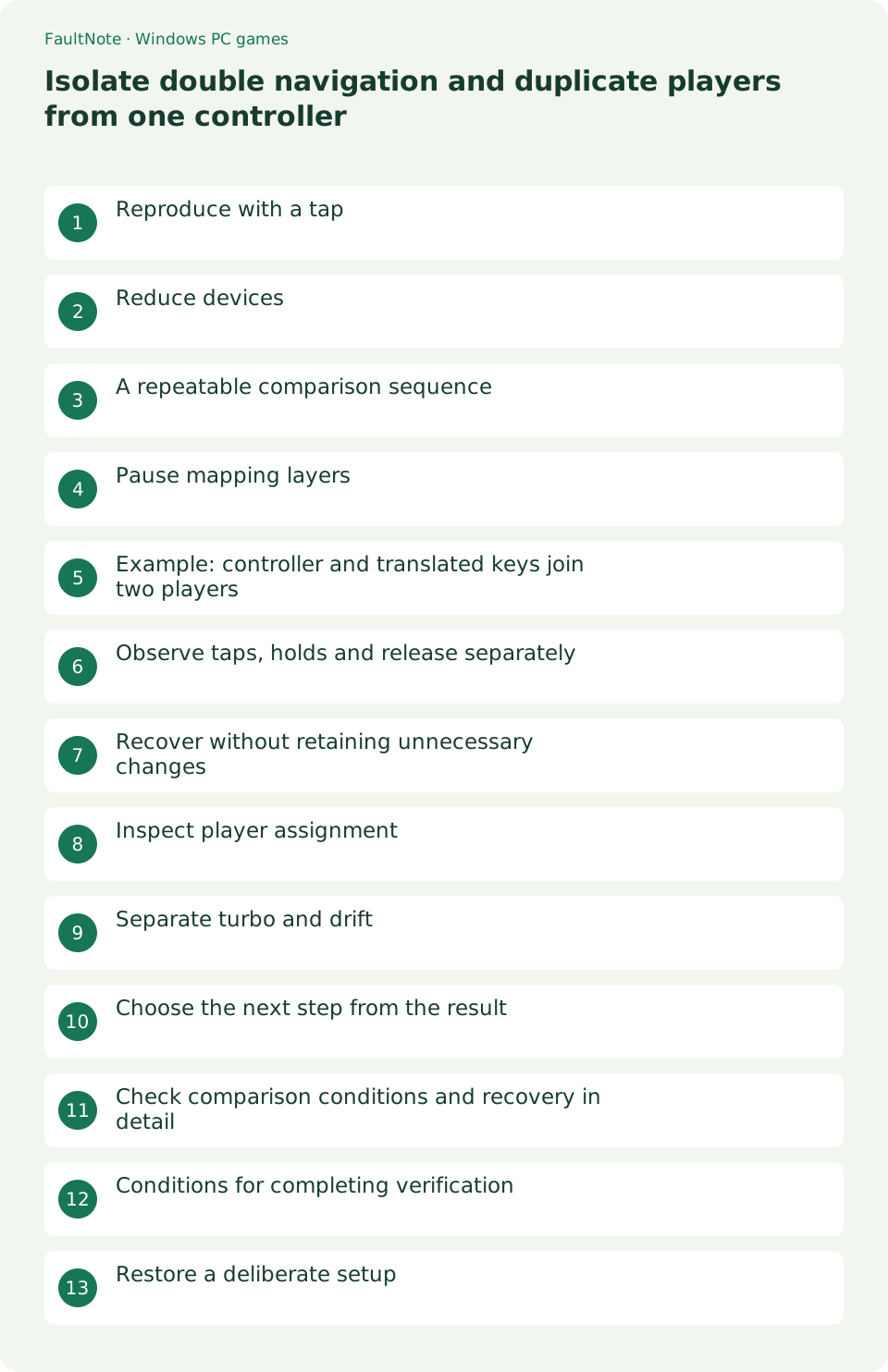
Reproduce with a tap
Tap a direction once and count menu jumps. Separate held-button repeat from duplicate events and note whether one controller joins two players.
Reduce devices
Close the game, disconnect spare controllers and compare with one. Reconnect individually if it improves. Preserve normal device settings until you identify a reproducible trigger.
A repeatable comparison sequence
Use the same menu, starting item and single direction tap. Record the stopped mapper and test restoration so a changed result is tied to a specific configuration.
- Record menu jumps from a single tap.
- Compare with one physical controller.
- Record mappings and close one translator.
- Restart and compare the same tap.
- Restore needed mapping and check player joins.
Pause mapping layers
Record remapping software and close one layer at a time. Investigate whether physical and translated input both reach the game. Restart the game for each comparison.
Example: controller and translated keys join two players
If one controller press joins two local players, compare physical join input with a translated keyboard join key. Close one mapper, restart and check player count. If behavior changes, record the specific configuration and game version rather than blaming all mapping software. Reproducing the issue after restoration provides useful support evidence.
Observe taps, holds and release separately
Use the same direction and menu. Double jumps on taps, fast repeat on holds and continued movement after release can have different mechanisms. Avoid repeated taps during the single-tap check. Compare stick and directional-pad release separately. Change one action at a time to distinguish duplicate paths from repeat or axis behavior.
Recover without retaining unnecessary changes
Restore unsuccessful changes and keep only a demonstrated working combination. Before device removal or driver reinstallation, establish a one-controller, one-mapper comparison. Check ordinary typing and other regularly used controls after restoration. If reproduction is game-specific, ask the publisher about supported paths and player assignment.
Inspect player assignment
Inspect player assignments and join controls. Check whether keyboard keys produced by a mapper also trigger another player, rather than assuming the controller is physically broken.
Separate turbo and drift
For fast held-button repeat, disable turbo using manufacturer instructions. Movement after release requires a separate drift or binding check.
Choose the next step from the result
Check joining and movement separately. Two joined players with only one moving is distinct from duplicated movement. Inspect translated join keys and verify restart persistence.
Scroll horizontally to see the full table →
| Observed result | Next check |
|---|---|
| Double tap event | Compare duplicate input paths |
| Fast holds only | Check turbo and repeat settings |
| Movement after release | Investigate drift or axis bindings separately |
Check comparison conditions and recovery in detail
Use the model documented turbo removal procedure. Compare directional and confirm buttons, then stick and directional-pad release, avoiding premature conclusions about drift.
Restore unsuccessful changes and record controller, connection, mode, mapper and game version as a working setup. Remove personal data from configuration screenshots before support contact.
Conditions for completing verification
Require one menu movement per tap, the intended player count and single-player control in gameplay. Check holds and release separately. Reproduction after restoring a mapper describes this specific game configuration, not universal software culpability. Verify everyday bindings after restoration and report tested paths if unresolved.
Restore a deliberate setup
Re-enable only needed mapping and check menus and gameplay. Record working and failing combinations. Avoid uninstalling unrelated applications based on a single symptom.
Limitations and requirements
- Preserve original files and settings; compare one change at a time.
- A general workaround cannot add an unsupported game feature.
Frequently asked questions
Does this apply to every game?
No. Input, display options and dependencies vary. If an option is absent, return to the game Readme and publisher guidance.
What should I record?
Record game and Windows versions, the complete error, settings before and after changes, and menu and gameplay results. Do not publish purchase identifiers or personal data.
Should I delete all Windows devices?
Start with reversible connection and application comparisons rather than broad device removal.
Can keyboard translation duplicate input?
Yes, if the game reads physical input and mapped keyboard actions, including player-join keys.
Sources and verification date
Sources checked: . These sources support the specifications, procedures or prices discussed here. Check each source for applicable conditions and current information.
Related practical guides
- First launch of a ZIP-distributed indie game
- Diagnose MSVCP and VCRUNTIME errors by game architecture
- Check legacy DirectX libraries for d3dx9 and XInput1_3 errors
- Check XInput and DirectInput when an indie game ignores a controller
- Choose windowed or fullscreen presentation for an indie game
- Diagnose tiny text and offset clicks in a high-DPI game