Check legacy DirectX libraries for d3dx9 and XInput1_3 errors
A system reporting DirectX 12 may still lack optional legacy libraries. Record the actual missing filename, such as d3dx9_43.dll, and consult the game requirements.
Published · Updated · FaultNote editorial policy
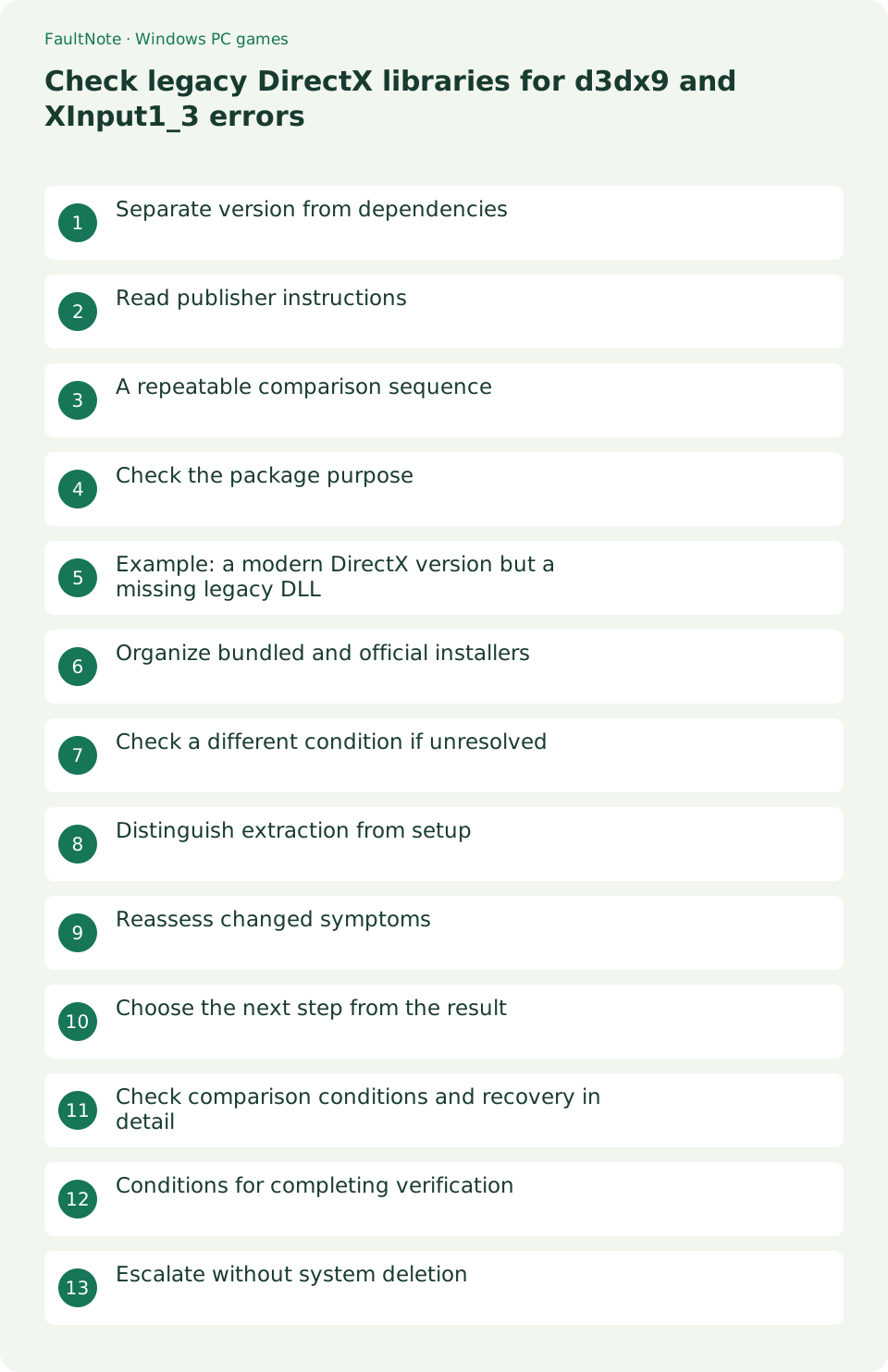
Who this guide is for and what to prepare
- Players setting up a Windows game
- Players isolating a specific symptom
What you need
- Read publisher requirements and the game Readme
- Close the game and record original settings
Separate version from dependencies
A system reporting DirectX 12 may still lack optional legacy libraries. Record the actual missing filename, such as d3dx9_43.dll, and consult the game requirements.
Read publisher instructions
Check the Readme for a legacy runtime requirement and identify supplied prerequisite installers before running them. A black screen alone does not establish a missing DirectX library.
A repeatable comparison sequence
Keep the full library suffix. Similar-looking names can represent different dependencies. Compare official prerequisites before copying libraries from another game directory.
- Record the full DLL name including its suffix.
- Read publisher prerequisite instructions.
- Compare with the official package description.
- Complete setup after extraction when required.
- Relaunch and compare the exact error.
Check the package purpose
The June 2010 package supplies selected legacy SDK libraries. It does not update a graphics driver or raise a GPU hardware feature level. Read its official description before deciding it applies.
Example: a modern DirectX version but a missing legacy DLL
A diagnostic tool reporting DirectX 12 alongside a missing d3dx9_43.dll dialog is not necessarily contradictory. Compare the game prerequisite with the legacy package description. If official setup removes that message, load a real scene next. Do not extend a resolved dependency dialog into an unsupported claim that performance or display switching was fixed.
Organize bundled and official installers
Read the documentation for any bundled prerequisite directory before running its contents. Identify which dependency each installer supplies. Record official package and setup results to explain differences from a bundled version. Copying unpacked installation files into the game directory is not a substitute for the documented installation process.
Check a different condition if unresolved
If the same DLL message remains, verify installation completion and reread the exact name. If the error changes, record the new message and when it occurs. Keep display-mode or driver checks after recording the dependency result. Compare minimum GPU and OS requirements, since a legacy package cannot necessarily make an unsupported system compatible.
Distinguish extraction from setup
Unpacking a self-extracting installer may not complete installation. Extract into a new temporary directory, follow official setup instructions and confirm completion before relaunching the game.
- Open the extracted ordinary directory in File Explorer.
- Run the extracted DXSETUP.exe and follow its setup instructions.
- Confirm the installation result before relaunching the game.
Reassess changed symptoms
If the missing-library message disappears but another failure remains, record the new symptom separately. Check display mode and GPU requirements next, keeping changes isolated.
Choose the next step from the result
Keep temporary installation files separate from game files. Complete documented setup, record its result and only then relaunch. Do not manually delete shared system libraries while cleaning temporary files.
Scroll horizontally to see the full table →
| Observed result | Next check |
|---|---|
| Only extracted | Check whether setup completed |
| DLL fixed but black screen | Investigate the remaining display symptom |
| GPU below requirements | A runtime does not upgrade hardware capabilities |
Check comparison conditions and recovery in detail
Start display diagnosis from the documented post-installation state. Separate black screens, corruption and scene-load failures, preserving original mode settings for each comparison.
Report both the platform DirectX version and missing library. Describe exactly what changed after setup and compare OS and GPU requirements before assuming full compatibility.
Conditions for completing verification
Record setup completion separately from disappearance of the missing-library dialog. Load the previously failing scene and treat a new symptom as a new branch. Clean only verified temporary installation files, not shared system libraries or saves. Report package and before-and-after errors to the publisher.
Escalate without system deletion
Do not manually delete system DLLs. Report the missing filename and official setup result. If loose libraries were previously added, include a comparison with the original publisher package.
Limitations and requirements
- Preserve original files and settings; compare one change at a time.
- A general workaround cannot add an unsupported game feature.
Frequently asked questions
Does this apply to every game?
No. Input, display options and dependencies vary. If an option is absent, return to the game Readme and publisher guidance.
What should I record?
Record game and Windows versions, the complete error, settings before and after changes, and menu and gameplay results. Do not publish purchase identifiers or personal data.
Does DirectX 12 include every legacy dependency?
Do not infer this from the platform version. Compare the missing library with publisher requirements.
Where should setup files go?
Use a separate temporary directory to avoid mixing installation files into the game package.
Sources and verification date
Sources checked: . These sources support the specifications, procedures or prices discussed here. Check each source for applicable conditions and current information.
Related practical guides
- First launch of a ZIP-distributed indie game
- Diagnose MSVCP and VCRUNTIME errors by game architecture
- Check XInput and DirectInput when an indie game ignores a controller
- Isolate double navigation and duplicate players from one controller
- Choose windowed or fullscreen presentation for an indie game
- Diagnose tiny text and offset clicks in a high-DPI game