First launch of a ZIP-distributed indie game
Read the publisher requirements and Readme for the Windows edition, demo restrictions and launcher name. Keep the supplied folder layout: an executable may need adjacent images and data.
Published · Updated · FaultNote editorial policy
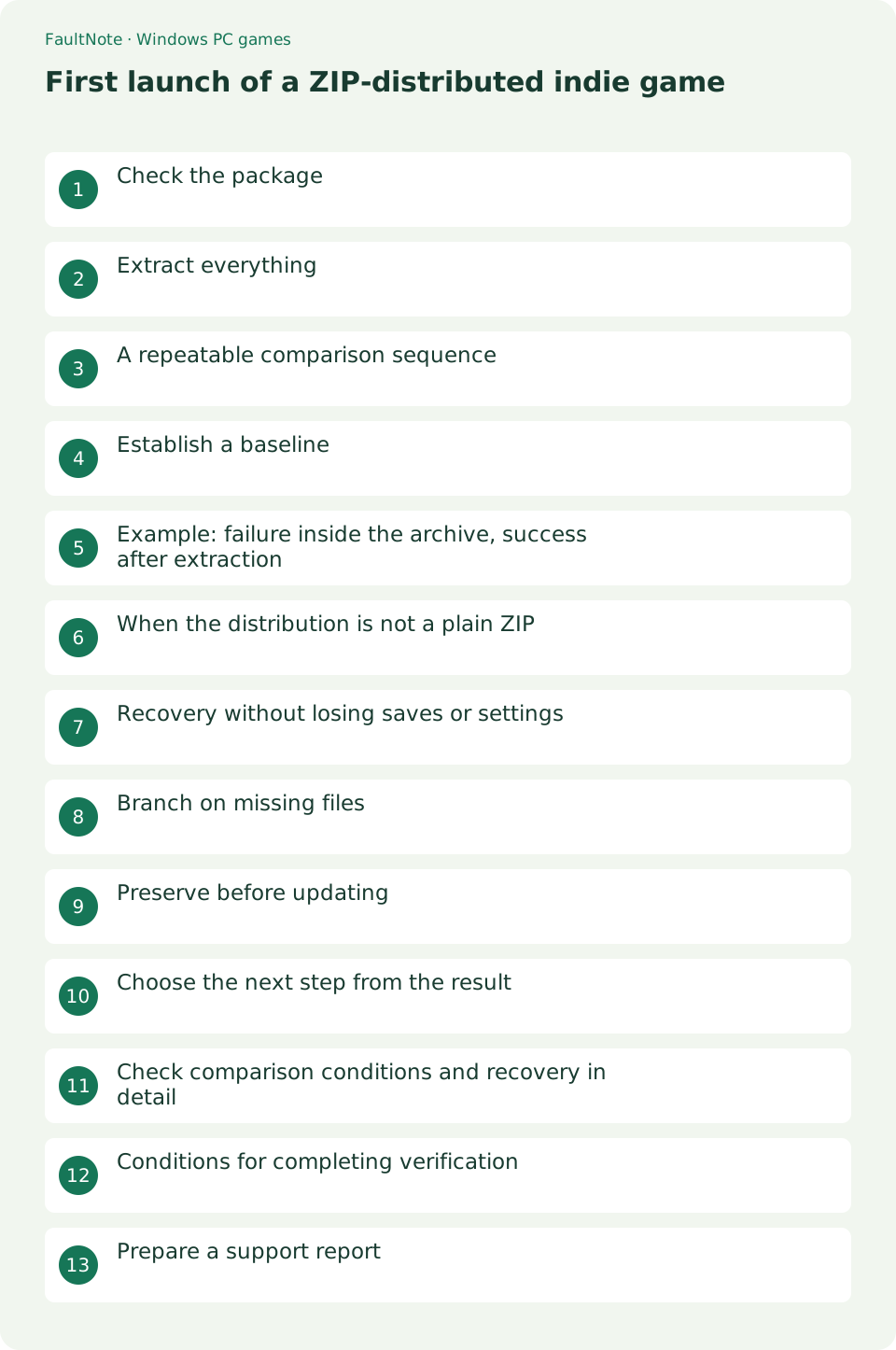
Who this guide is for and what to prepare
- Players setting up a Windows game
- Players isolating a specific symptom
What you need
- Read publisher requirements and the game Readme
- Close the game and record original settings
Check the package
Read the publisher requirements and Readme for the Windows edition, demo restrictions and launcher name. Keep the supplied folder layout: an executable may need adjacent images and data.
Extract everything
Right-click the ZIP and choose Extract All. Open the resulting ordinary folder and start the documented launcher there. Do not use an executable viewed inside the archive as your baseline.
A repeatable comparison sequence
Compare relative folder positions, not merely filenames. Use the archive listing to inspect layout but launch from the extracted directory. Confirm extensions so documentation and configuration files are not mistaken for launchers.
- Match the download edition and filename; do not mix demo and full packages.
- Find the documented launcher in the Readme.
- Extract the complete package and check companion folders.
- Reach settings, exit and relaunch to check persistence.
Establish a baseline
Reach the title screen before adding mods or translation patches. Exit through the menu and relaunch to check settings persistence. In a demo, also evaluate controls and readability before purchase.
Example: failure inside the archive, success after extraction
Consider a package containing Game.exe and a Data directory. Launching only the executable from the archive may produce an asset error. Keep the archive, extract everything and launch Game.exe beside Data. If the title screen now appears, package layout is implicated in this comparison. This is an illustrative scenario, not a tested game result.
When the distribution is not a plain ZIP
For an installer distribution, follow its instructions instead of forcing the ZIP workflow. Split or encrypted archives may require a publisher-specified tool. Separate extraction errors from game launch errors. Check that all package parts are present and the recommended method was used. Repeatedly launching an executable from an incomplete extraction does not establish a valid baseline.
Recovery without losing saves or settings
Do not delete the old folder before a separate fresh extraction. Saves may live inside the game directory or a user directory; consult the publisher. Even after a successful fresh launch, check save compatibility and retain copies before transferring progress. If package files and saves cannot be distinguished, preserve the entire old state and ask which files should be transferred.
Branch on missing files
For missing assets, check whether the launcher was moved away from its companion folders and compare with a separate fresh extraction. For a missing DLL, record its exact name and consult prerequisite instructions.
Preserve before updating
Read update instructions and locate saves before replacing files. Keep the old version and test the new one separately. Do not overwrite your only save when version compatibility is undocumented.
Choose the next step from the result
Check initial settings before transferring existing progress. Consult save locations and autosave behavior. Transfer demo data to a full edition only when publisher compatibility instructions support it.
Scroll horizontally to see the full table →
| Observed result | Next check |
|---|---|
| Missing assets | Compare folder layout with a fresh extraction |
| Missing DLL | Record the exact name and check prerequisites |
| Title screen works | Proceed to control and gameplay verification |
Check comparison conditions and recovery in detail
Read extraction errors before assuming completion. For a missing file, compare a complete official package and the recommended extraction method rather than filling gaps with third-party files.
Report the stage reached: extraction completed, executable launched, title appeared, then start failed. Read publisher-requested logs for personal data before sharing.
Conditions for completing verification
Before normal use, compare direct launch and the everyday shortcut target, verify the displayed version and relaunch. Preserve the old save until transferred progress loads correctly. Record package placement, usable controls and loaded progress separately. Clean trial folders only after retaining the original archive, working old edition and saves.
Prepare a support report
Report game and Windows versions, launcher filename, full error and extraction status. State whether the title screen appears. Remove purchase identifiers and personal data from public screenshots.
Limitations and requirements
- Preserve original files and settings; compare one change at a time.
- A general workaround cannot add an unsupported game feature.
Frequently asked questions
Does this apply to every game?
No. Input, display options and dependencies vary. If an option is absent, return to the game Readme and publisher guidance.
What should I record?
Record game and Windows versions, the complete error, settings before and after changes, and menu and gameplay results. Do not publish purchase identifiers or personal data.
Should I keep the archive?
Keep it through first-launch and update verification so you can compare against the publisher package.
Can I move the executable to the desktop?
Create a shortcut instead. Moving the executable alone can break relative paths to required game data.
Sources and verification date
Sources checked: . These sources support the specifications, procedures or prices discussed here. Check each source for applicable conditions and current information.
Related practical guides
- Diagnose MSVCP and VCRUNTIME errors by game architecture
- Check legacy DirectX libraries for d3dx9 and XInput1_3 errors
- Check XInput and DirectInput when an indie game ignores a controller
- Isolate double navigation and duplicate players from one controller
- Choose windowed or fullscreen presentation for an indie game
- Diagnose tiny text and offset clicks in a high-DPI game