Bitwarden: Create Your First Password Vault
Generate different passwords for each site and use vaulting across browser extensions and devices. This guide covers installation, practical steps, limitations, and how to stop using the app.
Published · Updated · FaultNote editorial policy
Who this guide is for and what to prepare
- First-time users of Bitwarden
- People who want to check the storage location and safety of data while reducing manual work
What you need
- Check the processing target and storage location, and preserve the original data in another location
- Check the official distribution source, supported OS, and required permissions
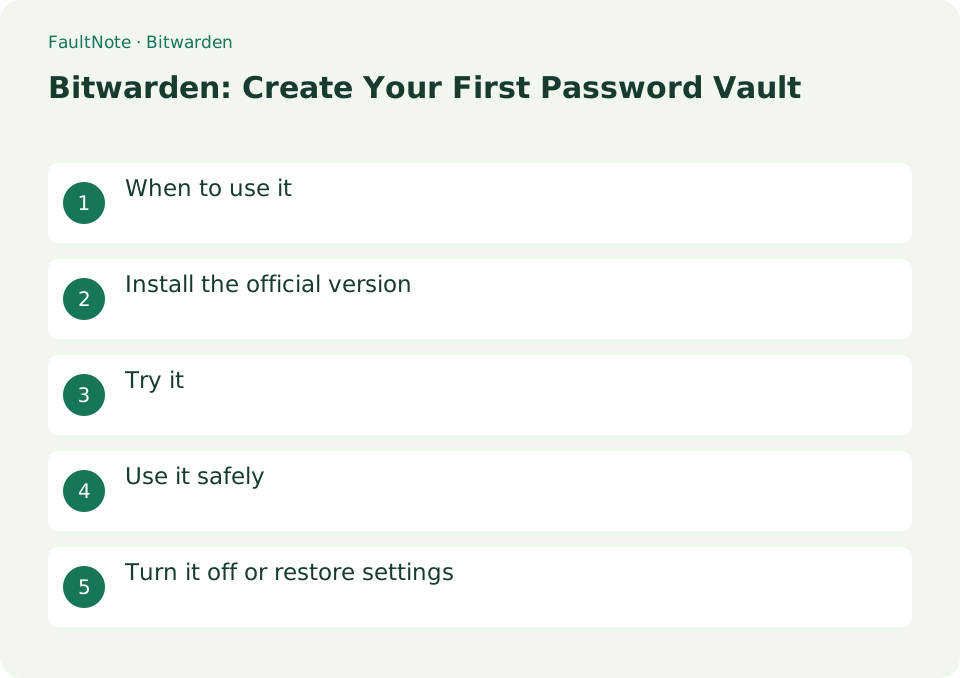
When to use it
Generate different passwords for each site and use vaulting across browser extensions and devices.
Install the official version
Choose an official app or extension from bitwarden.com/download and prepare a strong master password and recovery method.
- Choose an official app or extension from bitwarden.com/download and prepare a strong master password and recovery method
Try one login
Start with one low-impact account. Enter a descriptive name, username and login URL separately. Distinguish multiple accounts by purpose. Before filling a suggested login, compare the address-bar domain with the intended service.
Practice saving and filling one item
Practice with a recoverable low-impact account. Vault editing and service-password changes are separate; verify actual login.
- Open the official bookmarked service and confirm current and recovery access.
- Create a Login item with descriptive name, username, password and URI.
- Save and reopen the entry and inspect suggestions on the target page.
- Check domain and item before filling and verify account identity afterward.
- Verify another device, routine unlocking and shared-computer session handling.
Compare the saved value with actual login
For an existing account, save and test its currently valid password. To use a generated replacement, complete the service's official password-change workflow and update the vault accordingly. Saving a generated value in the vault alone does not change the service. Check the domain before choosing the browser-extension item.
- Save the currently valid credentials for an existing account
- Complete the service password change before updating the vault to a generated replacement
- Fill on the official domain and verify the intended account login
Verify another device
Open the saved item on another device and check its name and username after syncing if needed. Understand the difference between locking and signing out. Verify the final session state before leaving a shared computer.
Prepare recovery
When enabling two-step login, store recovery codes securely outside the vault too. Avoid losing the master password, authenticator and recovery codes together. Validate one entry before bulk imports and treat unencrypted exports as sensitive files.
Scroll horizontally to see the full table →
| Observation | Decision and next action |
|---|---|
| Correct suggestion | Check domain and username; suggestion alone does not prove legitimacy. |
| Wrong account | Compare name, purpose and URI before choosing. |
| New password fails | Confirm the service change rather than relying on a vault edit. |
| Another device has old data | Check sync and the intended item before repeated attempts. |
Use it safely
In a normal personal vault, the administrator cannot reset a forgotten master password and decrypt the contents. Two-factor authentication recovery codes are also stored safely and separately from the vault.
Distinguish locking, signing out and removal
Use locking for a break and sign out when finishing on a shared device. Disable or remove an unwanted browser extension in browser extension management. Before uninstalling, verify access and recovery on another device or the web app. Removing a device application does not delete the cloud vault or account. An unencrypted export is not a routine sign-out requirement.
- Verify that you can unlock your usual device after locking
- Sign out on shared devices and check the browser session
- Remove the unwanted device extension or app while retaining recovery materials
Limitations and requirements
- In a normal personal vault, the administrator cannot reset a forgotten master password and decrypt the contents. Two-factor authentication recovery codes are also stored safely and separately from the vault.
Frequently asked questions
If I forget my master password, can I get it back?
A standard personal vault cannot be reset by an administrator. Prepare emergency access in advance.
What should I be careful about when using automatic input?
Compare the displayed domain with the registered URI, and do not use autofill on an unexpected domain.
When should I save a generated password?
Preserve the value during the change and verify afterward, retaining old data while the outcome is uncertain.
Can storing the master password internally recover access?
Internal records remain inaccessible in a locked vault. Prepare secure recovery materials usable outside it.
Sources and verification date
Sources checked: . These sources support the specifications, procedures or prices discussed here. Check each source for applicable conditions and current information.
Related practical guides
- Bitwarden Free vs Premium: sync, authentication codes and emergency access
- Bitwarden vs KeePassXC: Sync and Storage Responsibility
- Obsidian: Connect Local Markdown Notes
- Joplin: Organize Notes and Web Clippings
- KeePassXC: Create an Offline Password Database
- How to read a CPU model name: Core Ultra and Core suffixes, and why the same model performs differently