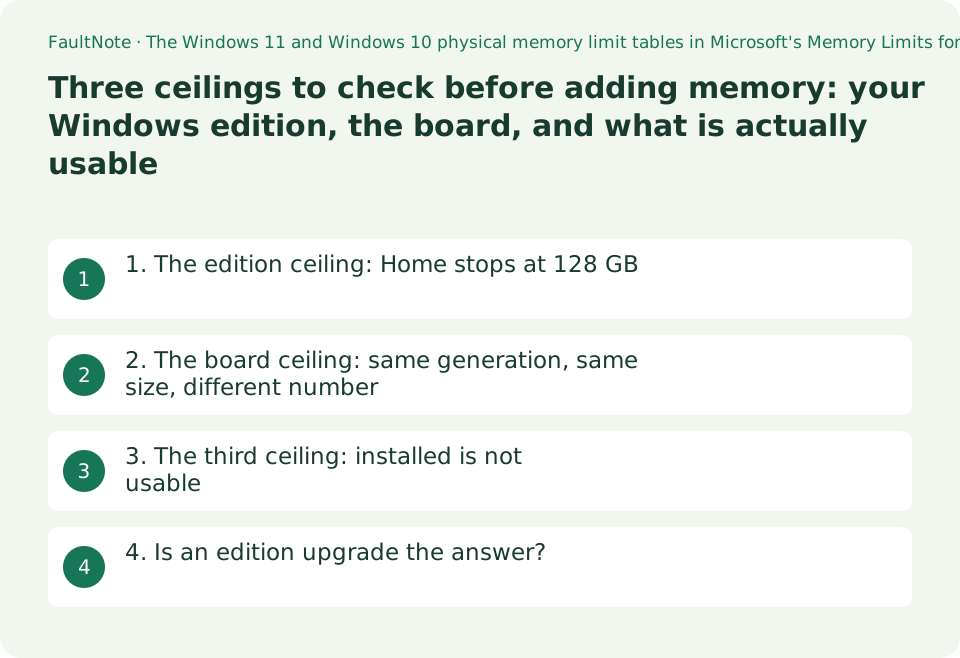
Three ceilings to check before adding memory: your Windows edition, the board, and what is actually usable
Adding memory runs into not one ceiling but three: the one your Windows edition imposes, the one the motherboard imposes, and the amount Windows actually reports as usable. The first is the one people miss. In Microsoft's table, the physical memory limit for Windows 11 Home is 128 GB — an order of magnitude below Pro and the workstation editions. This guide was written on 2026-09-21 from Microsoft's limits table and two motherboard specification pages, and sets out the order in which to check them. Nothing was benchmarked.
Published · Updated · FaultNote editorial policy
Who this guide is for and what to prepare
- People planning a large-memory build who want to know where it stops
- People weighing an edition upgrade who want one more concrete input
- People who want to confirm what their board will take before buying modules
What you need
- Check your Windows edition (Settings > System > About)
- Note the exact motherboard model and open its official specification page
- Note both the installed amount and the usable amount Task Manager reports
1. The edition ceiling: Home stops at 128 GB
Microsoft publishes physical memory limits per release. The Windows 11 table is below, and what it separates is editions.
128 GB looks unreachable until you price DDR5. Modules of 48 GB and 64 GB exist, and four slots filled with them pass it easily. On a large build it is a ceiling you can actually hit.
The page splits Windows 11 and Windows 10 into separate tables. The Windows 10 table's X86 column reads 4 GB for every edition, which still matters if you are working on something old.
Scroll horizontally to see the full table →
| Edition | Limit on X64 | Limit on ARM64 |
|---|---|---|
| Windows 11 Home | 128 GB | 128 GB |
| Windows 11 Pro | 2 TB | 2 TB |
| Windows 11 Education | 2 TB | 2 TB |
| Windows 11 Pro for Workstations | 6 TB | 6 TB |
| Windows 11 Enterprise | 6 TB | 6 TB |
2. The board ceiling: same generation, same size, different number
The second ceiling is the motherboard, and it is published per product. Two AM5 microATX boards, and they do not agree.
MSI PRO B650M-A WIFI states 4x DDR5, Maximum Memory Capacity 256GB. ASUS PRIME B650M-A II states 4 x DIMM, Max. 192GB, DDR5. Both have four DIMM slots; their stated maximums are 256 GB and 192 GB.
So four slots does not imply a shared maximum. Read that line on the page for your own model before buying modules.
One qualification: a stated maximum is not a statement that modules of that capacity exist or that any particular kit will run. For a specific combination, the maker's memory support list (QVL) is the thing to check, and no QVL was read for this guide.
Scroll horizontally to see the full table →
| Board (as printed on the official page) | Slots | Stated maximum |
|---|---|---|
| MSI PRO B650M-A WIFI | 4 (DDR5) | 256 GB |
| ASUS PRIME B650M-A II | 4 (DDR5) | 192 GB |
3. The third ceiling: installed is not usable
Satisfy both of the above and Windows still reports less as usable than you installed, because integrated graphics take a share and hardware reserves some.
That is not a fault; this site covers it separately, under usable memory being lower than installed memory. When planning an upgrade, reason from the usable figure rather than the installed one and the result will match the expectation more closely.
The three ceilings are independent. Clearing one leaves the other two in place, which is why they are worth checking in order.
Scroll horizontally to see the full table →
| Order | Where to look | When it bites |
|---|---|---|
| 1. The edition limit | Settings > System > About, and Microsoft's limits table | Only above 128 GB — but on Home that is a hard stop |
| 2. The board limit | The Memory section of your model's specification page | Always. It differs between boards of the same size and generation |
| 3. What is actually usable | Task Manager, System Information | Always. Less than installed is the normal case |
| (A separate check) Will this kit run | The maker's memory support list (QVL) | A different question from capacity. No QVL was read for this guide |
4. Is an edition upgrade the answer?
Hitting Home's 128 GB and moving to Pro is a sound reason, once two things are confirmed.
First, the board. The two examples above stop at 192 GB and 256 GB. Raising the edition ceiling does nothing if the board's is 192 GB — there are builds where the upgrade buys no additional capacity at all.
Second, whether that much is needed. This guide says nothing about how much memory any use requires. This site's 16 GB against 32 GB guide covers choosing an amount, and it too makes no measured recommendation. A ceiling and a requirement are different subjects.
Memory is also not the only difference between editions. What else changes is covered in this site's Home against Pro comparison; treat this guide as adding one row to it.
0Limitations and requirements
- The wording quoted was read on 2026-09-21. Both Microsoft's table and motherboard specification pages are revised. Open them again on the day you buy.
- A board's stated maximum is not a guarantee that modules of that capacity exist or that a given kit will run. Confirm a specific combination against the maker's memory support list.
- This guide says nothing about how much memory any use needs. It is about ceilings, not recommendations.
Frequently asked questions
Can Windows 11 Home use more than 128 GB?
In Microsoft's physical memory limits table, the Windows 11 Home limit is 128 GB on both X64 and ARM64. Pro and Education are listed as 2 TB, and Pro for Workstations and Enterprise as 6 TB.
Do all boards with four slots take the same maximum?
No. MSI PRO B650M-A WIFI states 256 GB and ASUS PRIME B650M-A II states 192 GB, both with four DDR5 slots. Slot count and maximum capacity are separate entries.
Will upgrading to Pro let me fit more?
It raises the edition ceiling but not the board's. Both have to allow the capacity. Check the board's stated maximum first.
I installed the memory but less is shown as usable.
Usable is normally lower than installed, because integrated graphics and hardware reservations take a share. It is not necessarily a fault; this site covers the diagnosis separately.
Will filling it to the ceiling make the machine faster?
This guide says nothing about speed. It is about where capacity stops. How much a given use needs is a separate question.
Sources and verification date
Sources checked: . These sources support the specifications, procedures or prices discussed here. Check each source for applicable conditions and current information.
- Microsoft: Memory Limits for Windows and Windows Server Releases. The Windows 11 physical memory limit table (Home 128 GB, Pro 2 TB, Education 2 TB, Pro for Workstations 6 TB, Enterprise 6 TB, the same on X64 and ARM64), and the Windows 10 table in which the X86 column reads 4 GB for every edition. Read 2026-09-21 ↗
- MSI: PRO B650M-A WIFI Specification. The Memory entry reads 4x DDR5, Maximum Memory Capacity 256GB. Read 2026-09-21 ↗
- ASUS: PRIME B650M-A II Tech Specs. The Memory entry reads 4 x DIMM, Max. 192GB, DDR5. Read 2026-09-21 ↗
Related practical guides
- 16 GB or 32 GB RAM? Choose using your Windows workload
- Windows 11 Home vs Pro: When Is the Upgrade Worth It?
- DDR5 with Two or Four DIMMs: Compare Upgrade Speed Limits and Kits
- Check a laptop's upgradeability before you buy: soldered memory, M.2 slot count and battery capacity
- How many external displays can you actually connect? GPU limits and the two kinds of dock
- DDR5 CUDIMM explained: what the on-module clock driver changes, and how to check board support