Syncthing: Sync a Folder Directly Between Two Devices
Copy folders between devices authorized by Device ID without storing them in the central cloud. This guide covers installation, practical steps, limitations, and how to stop using the app.
Published · Updated · FaultNote editorial policy
Who this guide is for and what to prepare
- First-time users of Syncthing
- People who want to check the storage location and safety of data while reducing manual work
What you need
- Check the processing target and storage location, and preserve the original data in another location
- Check the official distribution source, supported OS, and required permissions
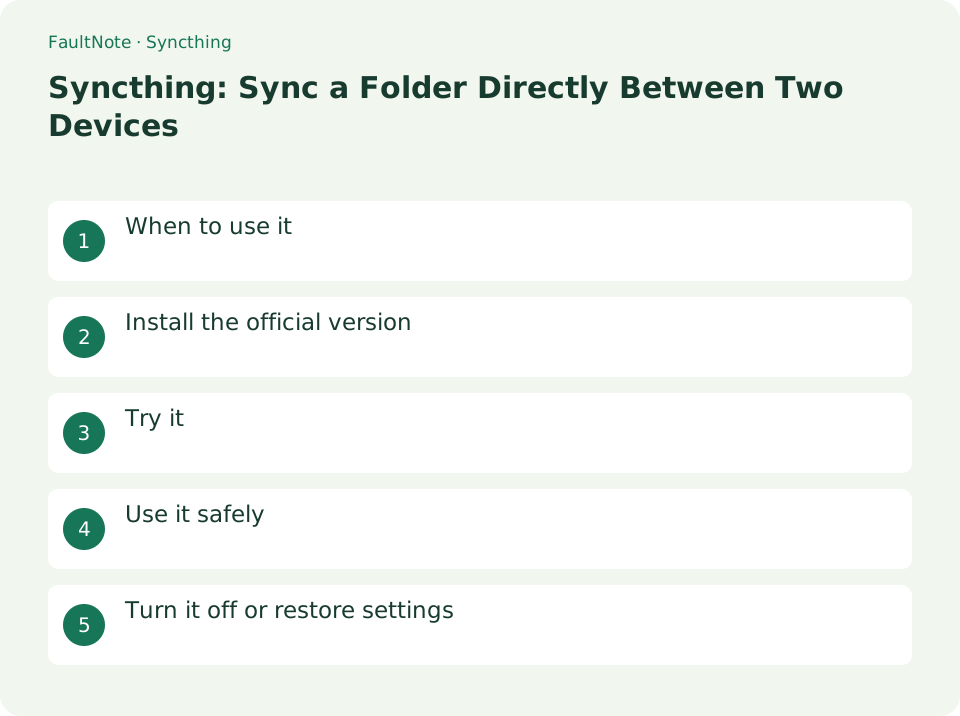
When to use it
Copy folders between devices authorized by Device ID without storing them in the central cloud.
Install the official version
Check the implementation for each OS from syncthing.net/downloads, open the Web UI of both devices and exchange Device IDs.
- Check the implementation for each OS from syncthing.net/downloads, open the web UI of both devices and exchange Device IDs.
Test with a small folder
Use a small test.txt before sharing a photo library. Confirm transfer from A to B; for a two-way folder, check an edit from B too. Compare folder IDs and local paths, not only display labels.
Move from a small share to routine sync
Test additions, edits and deletions in a small folder. Inspect synchronization after a long offline period and record devices and local paths before sharing full collections.
- Check Device IDs and add the intended peer rather than relying on its label.
- Share A's folder, accept on B and select an isolated destination.
- Create and open test.txt, then test the reverse edit for two-way sync.
- Test disposable-file deletion and consider File Versioning before adding important material.
- Check both states and add data gradually, avoiding concurrent renaming.
Try it
Enter the other party's Device ID in [Add Remote Device]. Approve the additional request on the other party's device. Set the path and Folder ID in [Add Folder]. The other party specifies the storage location and approves sharing. Check if both devices are Up to Date and the contents match.
- Enter the other party's Device ID in [Add Remote Device]
- Approve the additional request on the other party's device
- Set the path and folder ID with [Add Folder]
- Specify the save destination and approve sharing on the other party's side
- Check if both devices are Up to Date and the contents match.
Verify completion
Check connection and folder status on both devices, then open the received file. One device appearing complete does not establish that its peer is current. Check share acceptance, paused folders and destination permissions in that order.
Plan for conflicts
Synchronization can propagate deletions and is not an independent backup. Consider versioning and a separate copy. Compare conflicting contents before resolving them and avoid simultaneous large renaming sessions on both devices.
Scroll horizontally to see the full table →
| Observation | Decision and next action |
|---|---|
| Disconnected | Check peer availability and its state; local completion alone is insufficient. |
| Share is absent | Check IDs, selected peers and acceptance separately from destination permissions. |
| Complete but wrong content | Compare folder ID and opened path for alternate folders or manual copies. |
| sync-conflict | Compare and merge required edits before removing either version. |
Use it safely
Sync also propagates deletions, not backups. Consider versioning, external backups, and public network settings.
Turn it off or restore settings
To temporarily stop communication, pause the device or folder on the web screen. To cancel sharing, remove the sharing partner on the target folder's edit screen. If you delete local files instead of stopping synchronization, the deletion may be propagated to the other party.
Limitations and requirements
- Sync also propagates deletions, not backups. Consider versioning, external backups, and public network settings
- Check the current specifications in the official documentation and reconfirm on-screen what you want to delete or overwrite.
Frequently asked questions
Is it a replacement for backup?
Since deletions and overwrites are also transmitted to the synchronization destination, synchronization is not an independent backup. Combine versioning and storage on separate media.
Will the actual files also be deleted by canceling synchronization?
Deleting Syncthing folder settings and deleting files on disk are different. After confirming that synchronization has stopped, decide to organize the storage location.
Is send-only a backup?
Direction controls do not guarantee earlier-state restoration; check versioning and independent copies.
Can I restore accidental deletion?
It depends on versioning and backups; stop bulk changes and inspect versions and peers.
Sources and verification date
Sources checked: . These sources support the specifications, procedures or prices discussed here. Check each source for applicable conditions and current information.
Related practical guides
- FreeFileSync: Compare Folders and Create a Mirror Backup
- External SSD vs HDD for backups: capacity, speed and portability
- NAS vs cloud backup: costs, recovery time and maintenance
- OneDrive vs Backblaze: Which Do You Need for PC Backup?
- CMR vs. SMR Hard Drives: Tell Them Apart by Model Number for NAS, RAID and Backup
- Sync vs Backup: Recovering from Accidental Deletion