Before watching FANZA TV on a PC or television: device and streaming checks
FANZA TV and Plus use streaming playback. Choose your PC or television setup, then check device requirements and title eligibility separately. Some Plus titles cannot be watched on a television.
Published · Updated · FaultNote editorial policy
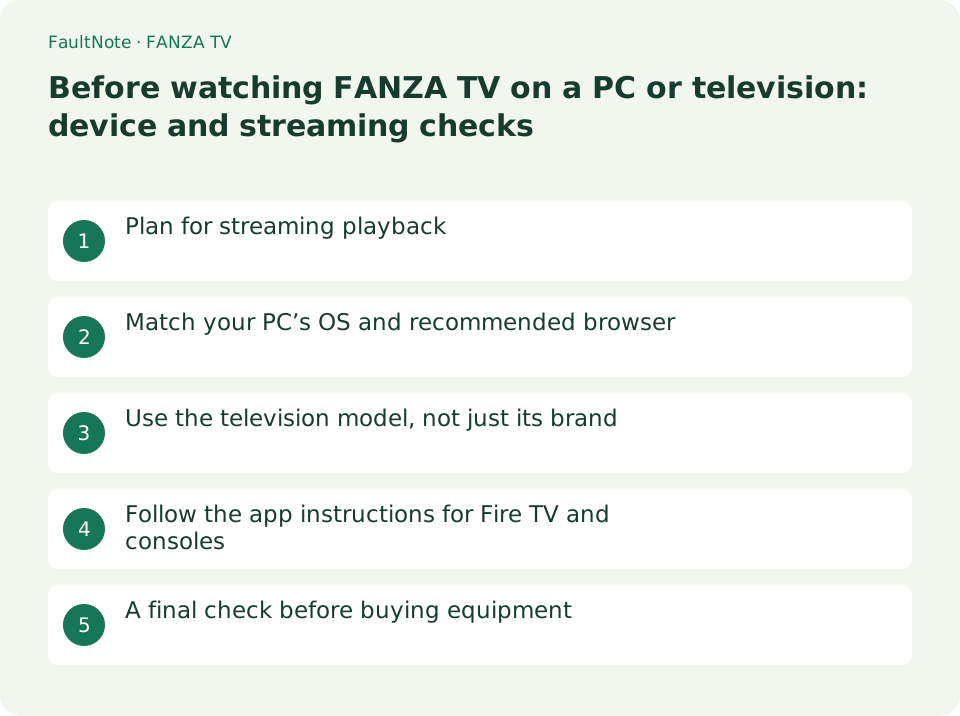
Who this guide is for and what to prepare
- Adults planning to use FANZA TV on a computer or television
- Adults checking their equipment before registration
What you need
- Find your model number, OS and browser
- Identify the intended plan and titles
Plan for streaming playback
Official help describes FANZA TV and Plus as streaming services. If you need viewing without a connection while travelling, check the service’s viewing method before subscribing on the assumption that downloads are available.
Choose the connection and screen you intend to use, then check support before registration. A familiar app name does not mean another service’s download features or device support also apply.
Match your PC’s OS and recommended browser
For Windows and macOS, the device page directs users to FANZA’s recommended web browsers. Find your browser and version, then consult the recommended OS and browser help linked from that page. A browser launching successfully does not establish supported playback.
If playback fails, record the device, title, plan and displayed error separately. Paying for another plan does not necessarily resolve unsupported equipment, so check the environment first.
Use the television model, not just its brand
The list specifies release years, features and excluded models. Not every television from a listed brand is necessarily supported. Find the exact model and compare the official table with manufacturer support information.
For example, official help lists excluded Hisense lines and says models with Google TV released from April 2025 cannot view FANZA video. Do not assume that a newer television is supported; verify the specific model before buying.
Follow the app instructions for Fire TV and consoles
Official help lists DMM TV or DMM.com apps for Amazon Fire TV and the DMM TV app for PlayStation 5 and 4. Check the store listing and the guide for that device.
Even on supported equipment, some Plus titles are restricted to smartphones, tablets and computers. Before adding hardware, verify whether the particular title supports television viewing.
- Match the exact model to the official support range
- Check the specified app or browser
- Check the title’s device and plan restrictions
A final check before buying equipment
First consider whether a supported computer you already own is sufficient. Before purchasing television equipment, establish title eligibility, device support and the required subscription. Hardware and service fees are separate expenses.
This guide explains how to use the official device list; it does not report playback testing on the listed hardware. Recheck the official page when using or buying equipment because support details may change.
Limitations and requirements
- FANZA services are for adults aged 18 or over.
- Support information is based on official help checked on October 29, 2026.
Frequently asked questions
Can a supported TV play every Plus title?
Some titles are limited to smartphones, tablets and computers. Check each title’s restrictions.
Can I download titles for offline playback?
The official device help describes streaming playback. Do not infer support from another service’s features.
Sources and verification date
Sources checked: . These sources support the specifications, procedures or prices discussed here. Check each source for applicable conditions and current information.
Related practical guides
- DMM TV, FANZA TV and FANZA TV Plus: what to check before subscribing
- DMM Premium pricing and trial: web versus app registration
- Before casting a screen wirelessly: sending and receiving are different features
- Google Drive Streaming vs Mirroring: Storage and Offline Access
- VLC: Play Video, Audio, and Network Streams
- HandBrake: Compress Video with a Device Preset