A new PC that will not work in Japan: shop returns, maker warranty and the Civil Code claim are three separate routes
When a newly delivered PC does not work, there is more than one place to take it. The shop's initial-defect handling, the maker warranty under the free-repair terms printed on the warranty card, and the statutory claim against the seller under the Civil Code differ in who you approach, what they rest on, and how their time limits are counted. This guide reads the statute and the makers' own pages, sets out how the three differ, and lists what to keep and check in the first days after purchase. It explains the framework in general terms and is not legal advice on any particular dispute.
Published · Updated · FaultNote editorial policy
Who this guide is for and what to prepare
- Anyone whose newly bought PC, monitor or SSD does not work and who cannot tell whether to approach the shop or the maker
- Anyone who has passed the shop's initial-defect window and assumes nothing more can be claimed
- Anyone deciding on an extended warranty and wanting to know what the standard warranty actually promises
What you need
- Get out the proof of purchase: receipt, invoice, delivery note or order history. It evidences the start date of the warranty
- Find the warranty card. The free-repair terms are usually printed on its reverse
- Check the shop's initial-defect conditions, the number of days, what it covers and how to contact them, on the page of the shop you bought from
- Write down the symptom: when it started, which action triggers it, what happens. A repair request and a statutory claim both need the same record
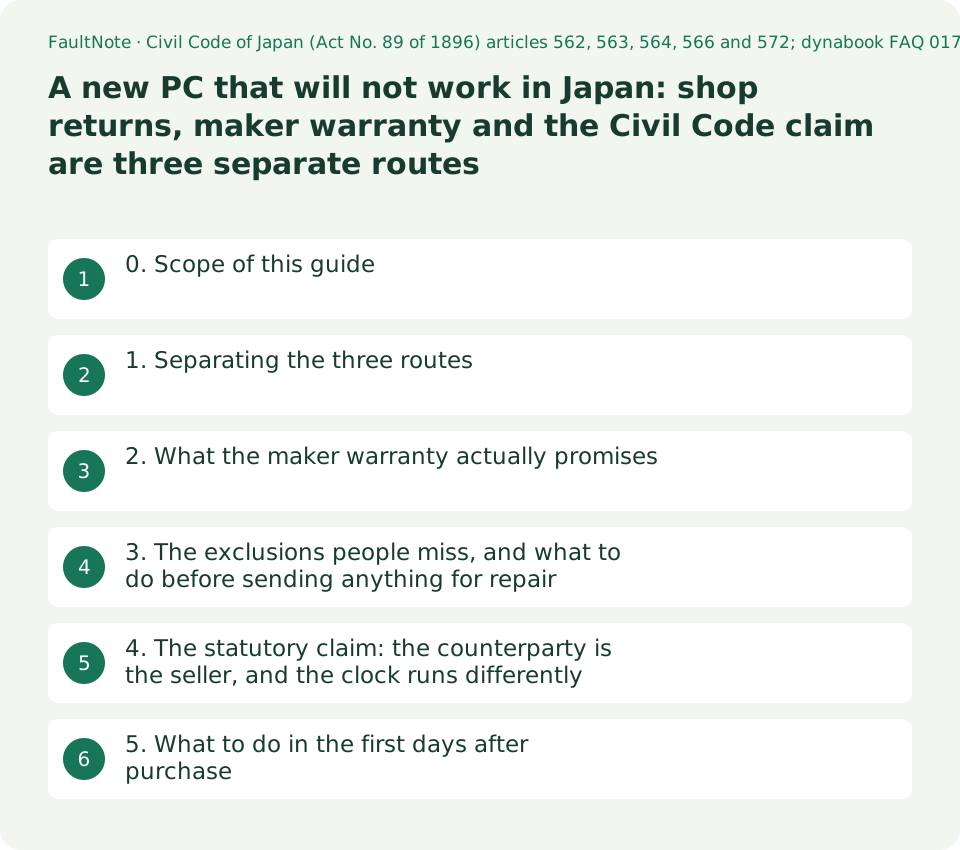
0. Scope of this guide
This is a general explanation of the framework applying to equipment bought in Japan. It does not decide any individual case or tell you that you can demand a refund. If a dispute has arisen, or if you are not satisfied with how you are being handled, consult a consumer affairs centre or similar advisory body.
What is covered is the difference between three routes: the shop's initial-defect handling, the maker warranty, and the statutory claim under the Civil Code. Mail-order cancellation rules, the Consumer Contract Act and the Act on Specified Commercial Transactions are not covered, because their provisions were not read here. Used goods and private sales are also out of scope, because the premises change substantially.
The statutory text quoted was retrieved from the e-Gov statute API on 2026-09-20, from the Civil Code of Japan, Act No. 89 of 1896. The maker statements were read from each company's pages on the same day.
1. Separating the three routes
First, the shop's initial-defect handling. Many retailers operate a window shortly after opening the box during which they will exchange or take back the item. But the term initial defect appears neither in the Civil Code articles read here nor in the maker warranty material. It is not the name of a statutory institution; it reads as an arrangement each shop sets voluntarily. Because the conditions and the number of days differ by shop, there is no way to confirm them except by reading the page of the shop you bought from.
Second, the maker warranty. This is a promise of free repair under the free-repair terms printed on the warranty card, and the counterparty is the maker. The length varies by model.
Third, the statutory liability for nonconformity with the contract. Here the counterparty is the seller, meaning whoever you bought from, not the maker. It exists as a separate route from the warranty card and its period.
The three are not mutually exclusive; they coexist. Passing the initial-defect window does not remove the maker warranty, and being inside the maker warranty does not remove the claim against the seller. Which route to use depends on what has happened and on who can resolve it fastest.
Scroll horizontally to see the full table →
| Route | Counterparty | What it rests on | How the period works | Where you find it |
|---|---|---|---|---|
| Initial-defect handling | The retailer | An arrangement set by the shop; not a statutory institution | A number of days set by the shop | The shop's own guidance and terms |
| Maker warranty (free repair) | The maker | The free-repair terms printed on the warranty card | Varies by model; dynabook describes one, two, three and four years | The warranty card and its reverse |
| Paid warranty or maintenance service | The maker or the retailer | The terms of that service, bought separately | As subscribed | Point-of-sale material and the maker's maintenance pages |
| Nonconformity liability | The seller you bought from | Civil Code articles 562, 563, 564 and others | Notice within one year of learning of the nonconformity, article 566 | The statute. Usually not printed on any contract or warranty card |
2. What the maker warranty actually promises
The dynabook FAQ, article number 017633, whose page shows an update date of 2025.10.23, explains the maker warranty period as the period during which, if the product fails under normal use as described in the manual and its cautions, free pick-up repair is promised in accordance with the free-repair terms stated on the warranty card. It then states that the warranty period differs by model, running one, two, three or four years from the date of purchase.
The same page is specific about how to check it and when it starts. The period can be confirmed on the warranty card supplied with the PC; the free-repair terms are printed on the reverse of that card; and the warranty start date is the date the PC was bought, so the receipt, invoice or delivery note should be kept together with the card. In other words, using the warranty presupposes that you can show the purchase date.
NEC's page for its business PC standard warranty with pick-up repair in year one, read on 2026-09-20, defines the start date more tightly still. It is the date the covered equipment was purchased from NEC Personal Computers, from NEC or from a retailer, confirmed either by the period stated on the warranty card or by a document stating the purchase date such as a delivery note or receipt. Where neither can establish that the equipment is within the period, the shipping date derived from the model and serial number is used instead. A shipping date precedes a purchase date, so losing the paperwork can work against you.
What these two pages establish together is that the length varies by model, the clock starts at purchase, and the evidence for that date is held by the buyer. Memorising the numbers is less useful than actually keeping the card and the receipt.
3. The exclusions people miss, and what to do before sending anything for repair
The same NEC page states what is covered and what is not. Covered are the PC itself and the genuine expansion equipment, mouse and keyboard built in or supplied at shipment, with a note that an external display is outside this warranty. Under equipment not covered it lists external displays, expansion equipment, and consumables such as batteries, and adds that limited-life parts may become chargeable even within the warranty period depending on frequency of use, elapsed time and operating environment.
This is the part that bears on the purchase decision. A monitor or external drive bought at the same time as the PC is managed under its own warranty, not the PC's. The same goes for consumables like the battery. Buying a PC with a three-year warranty does not put the peripherals on three years.
The premise for sending a unit in is on the same page: where a repair involves replacing storage such as an HDD or SSD, the company accepts no responsibility whatsoever for settings, programs or data. Nowhere does it say that data survives repair. So take a backup before requesting repair, and if the drive is encrypted, write down the recovery key first.
One more line on that page is worth knowing: repair cannot be accepted where the storage contains data holding a My Number, Japan's individual number. Conditions that affect whether a repair is accepted at all do appear in these terms, which is reason enough to read each maker's repair provisions before sending anything.
4. The statutory claim: the counterparty is the seller, and the clock runs differently
Article 562 paragraph 1 of the Civil Code provides that where the subject matter delivered does not conform to the terms of the contract with respect to kind, quality or quantity, the buyer may demand of the seller that performance be completed by repair of the subject matter, delivery of a substitute, or delivery of the missing portion. The demand is made on the seller, not the maker, and delivery of a substitute, meaning exchange, sits in the text alongside repair.
The same paragraph carries a proviso: the seller may complete performance by a method different from the one the buyer demanded, provided this does not impose an unreasonable burden on the buyer. So a buyer asking for an exchange may be answered with a repair. Paragraph 2 adds that where the nonconformity is due to grounds attributable to the buyer, the buyer may not make the demand under paragraph 1 at all.
Article 563 allows a demand for a reduction of the price in proportion to the degree of nonconformity where the buyer has demanded completion of performance within a reasonable period and none follows. Where completion is impossible, or the seller has clearly expressed an intention to refuse it, and in the other cases listed in paragraph 2, the demand can be made immediately without that prior demand. Article 564 provides that these do not preclude a claim for damages or the exercise of a right to cancel.
The time limit is article 566. If the buyer does not notify the seller of the nonconformity within one year of learning of it, the buyer can no longer rely on it to demand completion of performance, a price reduction, damages, or cancellation. This is widely misread: the year runs from learning of the nonconformity, not from the purchase. Article 572 adds that even where a special agreement excludes warranty liability, the seller cannot escape responsibility for facts it knew and did not disclose.
5. What to do in the first days after purchase
A few minutes of action beats memorising the framework. Keep the proof of purchase with the warranty card. Read the free-repair terms on the reverse, at least far enough to see what the exclusions list contains. Note the number of days in the shop's initial-defect window.
Then exercise the whole machine as soon as you unpack it. Put something in every port, attach an external display, connect over both wireless and wired networking, type every key, play through the speakers and record with the microphone. Initial-defect windows are often short, and the later a fault surfaces the further the matter moves from the first route to the second and then to the third.
Some categories, such as a stuck pixel on a panel, are governed by the maker's own definition of what counts as a defect at all. One bright dot can be exchangeable at one brand and not at another, and the windows differ too, so for that kind of item the terms are better read before ordering than after.
Finally, plan for the possibility of a repair from the start by deciding where your backups live. As set out above, no maker page read here says that data survives a repair.
Limitations and requirements
- This is a general explanation of the framework and not legal advice on any individual case. If a dispute has arisen, consult a consumer affairs centre or similar advisory body.
- The warranty period is fixed by law at one year is wrong. Article 566 is a limit on giving notice, not a warranty period, and maker warranty lengths differ by model; dynabook describes one, two, three and four years.
- The one year in article 566 runs from learning of the nonconformity, not from the purchase. Getting this backwards leads either to giving up while a claim is still open or to waiting when the period has already run.
- The maker statements quoted come from two companies, dynabook and NEC, from specific pages as they stood on 2026-09-20. Other makers need not set the same conditions, and terms can differ between product categories within one company. The NEC page covers the standard warranty on business PCs.
- No retailer's own initial-defect terms were read as a primary source here, which is why no number of days or specific condition is stated for that route.
- Mail-order cancellation, the Consumer Contract Act and the Act on Specified Commercial Transactions are not covered. Their provisions were not read, so their effects are not described.
- Used goods and private sales are out of scope. Whether the seller is a business changes the premises.
Frequently asked questions
Should I contact the shop or the maker first?
This guide does not prescribe an order; it gives you the inputs. If little time has passed and the shop operates an initial-defect window, that route is often the fastest while the window is open. If the window has passed, or you bought direct from the maker, the maker warranty under the free-repair terms is the next route. Separately from both, the statutory claim against the seller continues to exist.
Once the initial-defect window closes, is free repair gone?
Not necessarily. Initial-defect handling is one arrangement operated by the shop, and the maker warranty is a separate route. In dynabook's description the warranty period runs from one to four years depending on the model, and a failure under normal use falls under free repair in accordance with the free-repair terms. The statutory claim against the seller is counted differently again.
I have lost the warranty card. Is the warranty unusable?
Both pages read here name documents showing the purchase date as an alternative. dynabook advises keeping the receipt, invoice or delivery note together with the card, and NEC states that the period is confirmed from the card or from a document stating the purchase date, and where neither establishes it, from the shipping date derived from the model and serial number. A shipping date is earlier than a purchase date, so having the paperwork is better. The actual handling follows each company's terms.
Is the monitor I bought at the same time covered by the same warranty as the PC?
The NEC page states that an external display is outside that warranty, and lists external displays, expansion equipment and consumables such as batteries among equipment not covered. It is safer to assume each peripheral is managed under its own warranty. The actual scope depends on the maker and product, so check each item's warranty card.
Will my data survive a repair?
No page read here promises that it will. The NEC page states plainly that where a repair involves replacing storage, the company accepts no responsibility whatsoever for settings, programs or data. Treat a backup beforehand, and a written-down recovery key if the drive is encrypted, as prerequisites.
Sources and verification date
Sources checked: . These sources support the specifications, procedures or prices discussed here. Check each source for applicable conditions and current information.
- Civil Code of Japan (Act No. 89 of 1896), articles 562, 563, 564, 566 and 572, verified against the text retrieved from the e-Gov statute API (lawdata/129AC0000000089) on 2026-09-20 ↗
- dynabook FAQ article 017633 on checking the maker warranty period, stating that the period differs by model as one, two, three or four years from the date of purchase. Page update date shown as 2025.10.23. Japanese page, read 2026-09-20 ↗
- NEC: standard warranty with year-one pick-up repair. How the warranty start date is confirmed, the statement that an external display is outside the warranty, the treatment of limited-life parts, and the disclaimer on data during a storage replacement. Japanese page, read 2026-09-20; the jpn.nec.com URL redirects to www.nec-lavie.jp ↗
Related practical guides
- Buying a second-hand graphics card: the warranty, what to check, and what cannot be checked
- Disposing of an old PC in Japan: the PC Recycle Mark, maker take-back, the small appliance route, and self-built machines
- Is a dead pixel covered? Bright dots, dark dots and zero-bright-dot warranties, checked before you buy
- Third-party and refill ink versus the maker's warranty: reading the actual repair terms from Epson, Brother and Canon
- How long a home router really lasts: warranty, repair period and firmware support period are three different things