Running RGB peripherals without vendor software: how to spot Dynamic Lighting support
Assemble a set of lit keyboards, mice, fans and memory and you accumulate one resident application per brand. Windows has a mechanism for handling them from its own Settings instead: Dynamic Lighting. The condition is that the device implements the open HID LampArray specification, and where it does, colour and brightness can be driven without the vendor's software. This guide was written on 2026-09-21 from Microsoft's document and sets out the device classes in scope, what Settings offers, what happens with devices that are not supported, and what to check before buying. The source is written for app developers, so the Settings item names are quoted in the English the document uses.
Published · Updated · FaultNote editorial policy
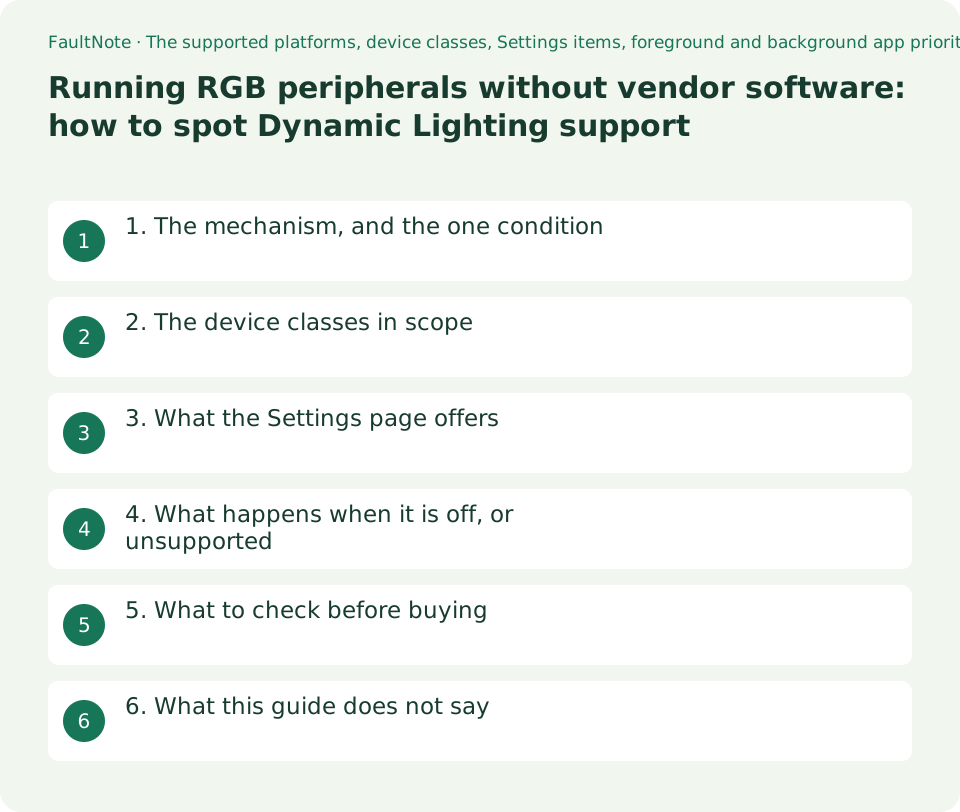
Who this guide is for and what to prepare
- Anyone buying RGB peripherals or PC parts who wants fewer resident vendor apps
- Anyone already running lit hardware from several brands and trying to match the colours
- Anyone who wants to tell from a specification whether Windows can drive a product
What you need
- Check which standard the product's specification claims support for
- Take stock of the vendor applications currently resident on the PC
- Check your Windows version; the scope of the feature differs by version
1. The mechanism, and the one condition
Microsoft's document opens with it: This topic describes how your Windows apps can provide dynamic lighting effects across connected devices that implement the open Human Interface Devices (HID) Lighting and Illumination standard . In particular, the LampArray specification for devices that have one or more lamps (lights, LEDs, bulbs, and so on).
So the condition is that the device implements the open HID Lighting and Illumination standard, specifically LampArray. Not a vendor's own protocol, an open one. That is the thing to look for before buying.
What it enables is stated as well: Dynamic lighting lets both Windows app developers and end users control and synchronize lighting effects across compatible peripherals and other connected devices. End users are explicitly included.
Scope differs by Windows version. The document gives Windows 10 version 1809 and later for foreground apps, and Windows 11 Build 23466 (Preview) and later for both foreground and background (ambient) apps. Control from a background app arrived later.
2. The device classes in scope
The document enumerates the supported device types. For someone buying parts and peripherals, that list is the boundary of the subject.
Chassis is the interesting one. The document glosses it as internal PC components such as RAM, motherboard, fan, and so on, so this is not only about keyboards and mice; parts inside the case are in the standard's scope too.
What is enumerated, though, is what the standard covers, not what any given product implements. A device in one of these classes that does not implement the specification is still out of scope.
Scroll horizontally to see the full table →
| Class named in the document | How the document describes it | Examples from a buyer's view |
|---|---|---|
| Keyboard or keypad | Keyboards and keypads | Lit keyboards, numeric keypads |
| Mouse | Mice | Gaming mice |
| Game controller | gamepad, flightstick, steering wheel, and so on | Gamepads, wheels |
| Peripheral | general devices such as speakers, mouse pads, microphones, webcams | Lit mouse mats, speakers |
| Chassis | internal PC components such as RAM, motherboard, fan, and so on | Case fans, memory, motherboard lighting |
| Headset | accessories designed specifically for the head, such as headphones or microphones | Gaming headsets |
| Scene / Notification / Wearable / Furniture / Art | Room lighting, attention devices, worn accessories, furniture, artwork | The standard reaches beyond the desk |
3. What the Settings page offers
The location is given: Users can customize their LampArray device experience (both foreground and background) through the Settings -> Personalization -> Dynamic lighting screen. Compatible devices that are connected appear as device cards along the top of that page.
The controls are enumerated too. The Use Dynamic Lighting on my devices toggle turns the feature on or off, a Brightness slider sets LED brightness, and an Effects dropdown selects colours and effects. The document also notes that Dynamic lighting includes a built-in set of basic effects.
Two items govern how apps interact with it. Turning off Compatible apps in the foreground always control lighting lets a background app keep control of its devices even when a foreground app wants it. The Background light control list lets you drag installed ambient apps into a priority order.
One practical warning is worth carrying: Ambient background settings are tied to a device and the port it's connected on. If you unplug and then plug the LampArray into a different (USB) port, it will appear as a different device. When settings appear to have vanished, suspect the port first.
4. What happens when it is off, or unsupported
With the feature turned off, the document says: When Dynamic Lighting is off, devices should function with their default non-Dynamic Lighting behavior.
Devices not chosen for background control are covered separately: When a device is not selected for Background light control , it operates in "Autonomous mode". Autonomous mode is defined in the HID specification as a mode where the hardware falls back to default behaviour defined by its firmware, such as a preprogrammed effect the device shipped with.
The document adds that the device must respond to the HID command to return from autonomous mode, so that control comes back in line with what the user expects.
What this means for a purchase is plain. A device that does not implement the specification never appears in the Windows settings and is not part of any colour you match across devices. Whether you need the vendor's app is decided by that one property.
05. What to check before buying
First, whether the product implements HID LampArray. That is the only condition. Where a specification is silent, this site assumes neither support nor its absence; check with the manufacturer's specification or support pages.
Second, what you give up if it is supported. Vendor applications often carry macros, profiles and fine per-zone effects that are not part of the built-in feature. The document goes as far as saying a built-in set of basic effects exists; it does not claim parity with vendor software.
Third, the reality of matching colours across several devices. One unsupported device means that device is configured by other means, which matters when deciding the order in which you buy things.
Note also that a laptop keyboard backlight with a single brightness for the whole keyboard is handled by a different mechanism. Zoned or per-key RGB is Dynamic Lighting; a simple global backlight is covered in a separate guide on this site.
06. What this guide does not say
It does not say whether any particular product is supported. No product was tested here and vendor support is not tracked.
It does not assert the Japanese names of the Settings items either. The source uses the English names and the Japanese interface was not checked, so the source's wording is used as it stands.
It does not tell you to uninstall vendor software. Whether the built-in feature is enough depends on which features you use.
It does not cover what an app developer needs, such as MSIX packaging or the AppExtension declaration. None of that helps a reader choose a device.
0Limitations and requirements
- The condition for support is that the device implements the open HID LampArray specification. A device that only implements a vendor protocol will not appear in Windows Settings.
- The source is a document for app developers. The Settings item names are quoted in English; the Japanese interface was not checked.
- Background control settings are tied to the device and the port it is connected on. A different USB port makes it appear as a different device.
- Everything quoted here was read on 2026-09-21.
Frequently asked questions
Can I match colours across RGB devices without vendor resident apps?
Where the devices implement HID LampArray, the document says brightness and effects can be handled from Settings, Personalization, Dynamic lighting. Devices that do not implement it never appear on that page.
How do I tell whether a product supports it?
Look for support for the HID Lighting and Illumination standard, or LampArray, in the product specification. Where that is absent, this site makes no assumption either way.
Are case fans and memory in scope?
The document lists a Chassis class described as internal PC components such as RAM, motherboard, fan, and so on. The class is in scope; whether an individual product implements the specification is a separate question.
My colour settings reverted after I reconnected the device.
Background control settings are stated to be tied to the device and the port it is connected on, and a different USB port makes it appear as a different device. Put it back on the same port and check again.
Sources and verification date
Sources checked: . These sources support the specifications, procedures or prices discussed here. Check each source for applicable conditions and current information.
Related practical guides
- Mechanical Keyboard Switches: Red, Brown and Blue Force and Sound Compared, Plus Which Switches Fit a Hot-Swap Board
- Switching keyboard layouts in Windows: what to set, and the sign-in screen trap
- Choosing a KVM switch: the video ceiling row, keyboard/mouse emulation and EDID
- USB receiver or Bluetooth for a wireless mouse and keyboard: what each one actually requires
- Buy HDMI and DisplayPort cables by certification name, not by version number: Ultra96, Ultra High Speed, DP40/DP54/DP80
- DDR5 on-die ECC is not ECC memory: how to check whether your CPU and motherboard actually accept ECC modules